YOUNAVERSE
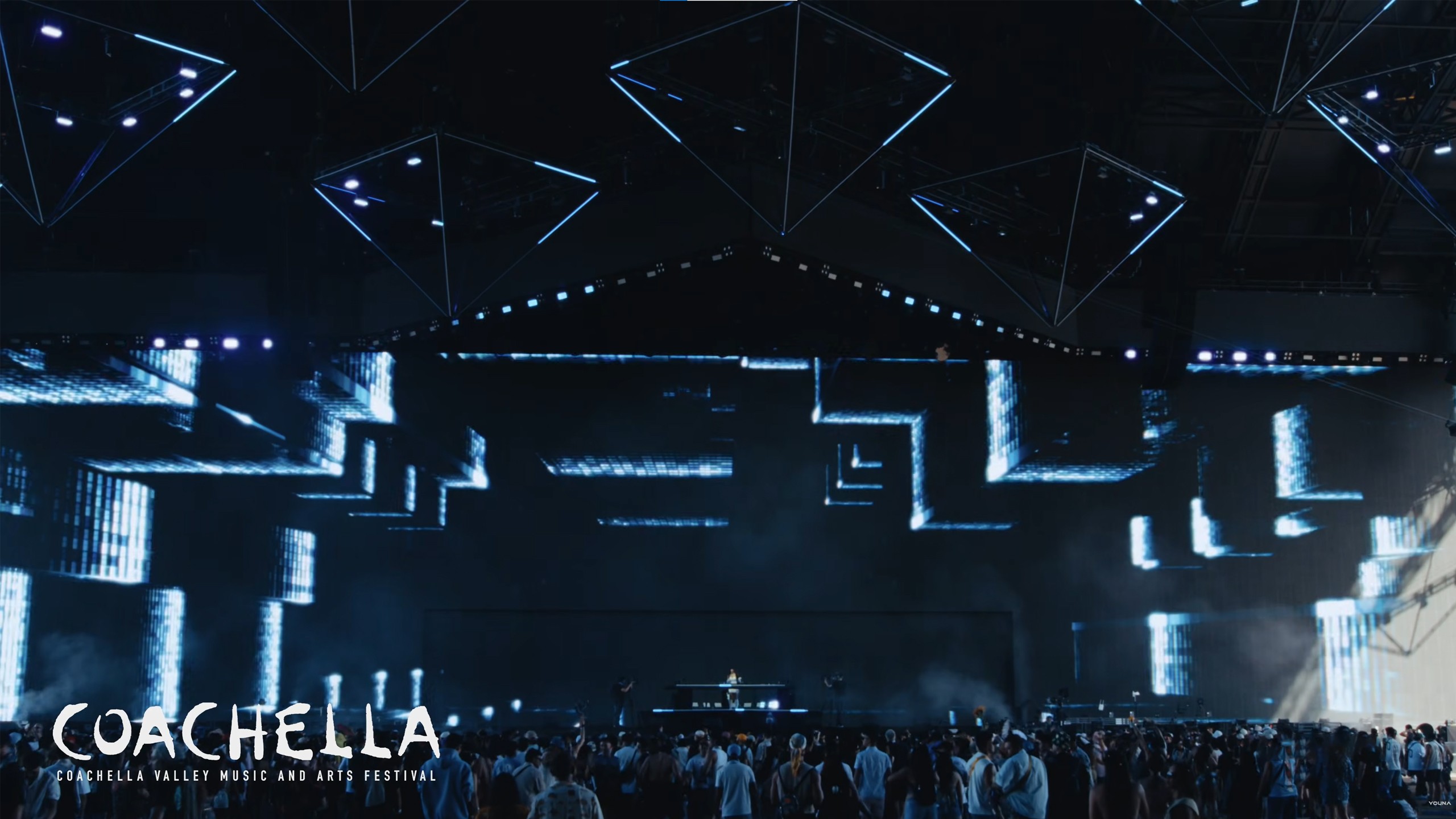
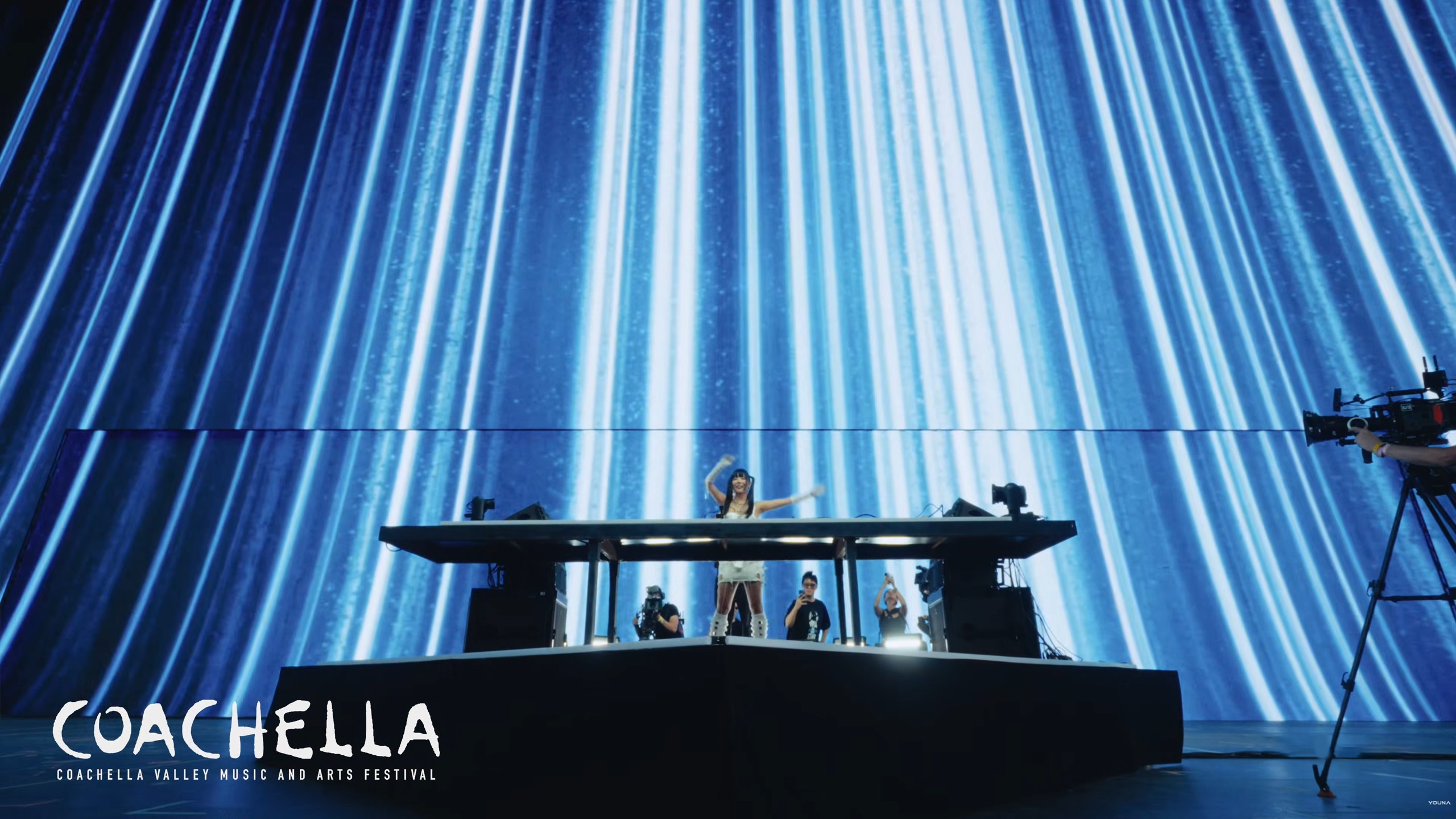
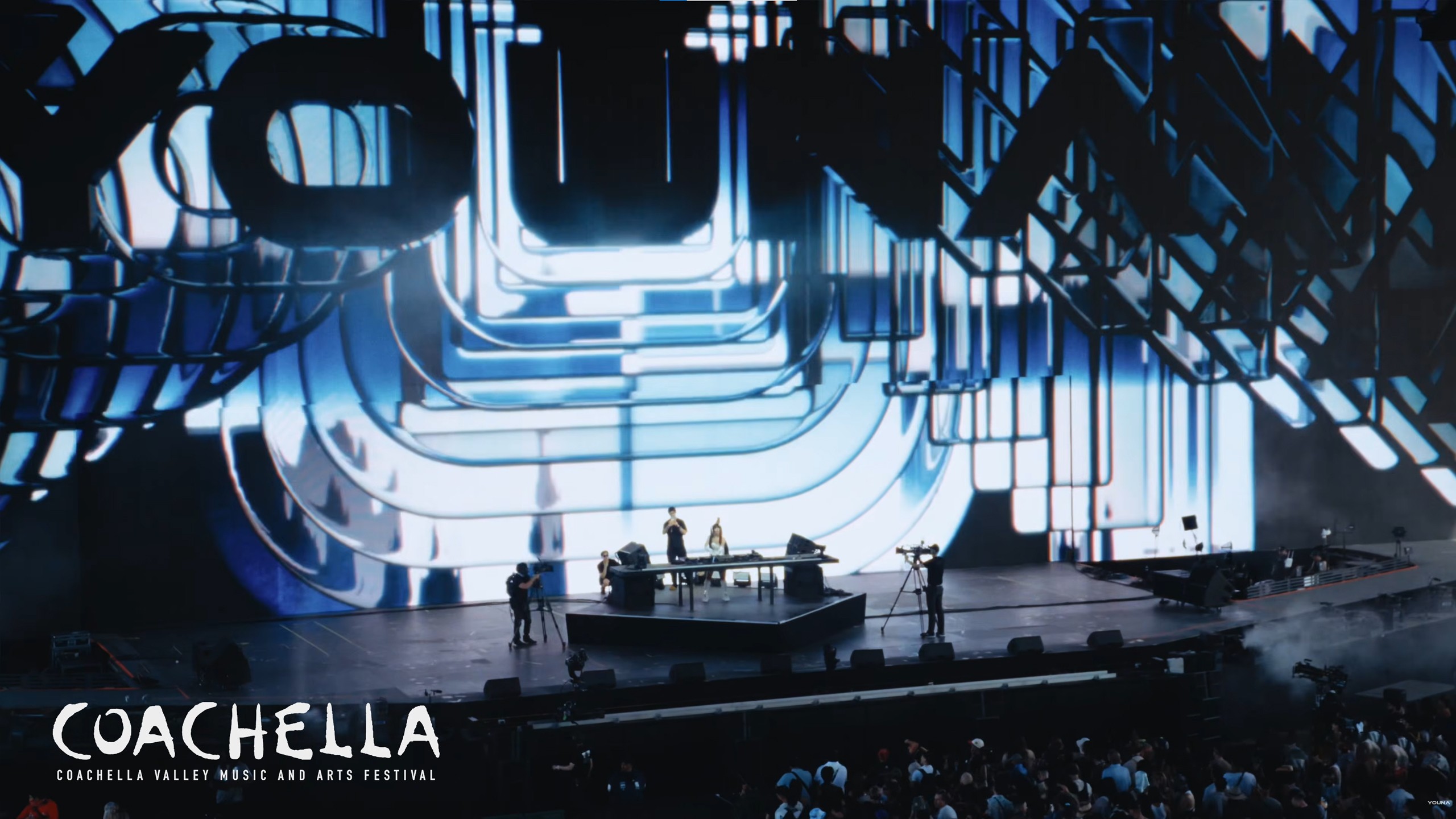
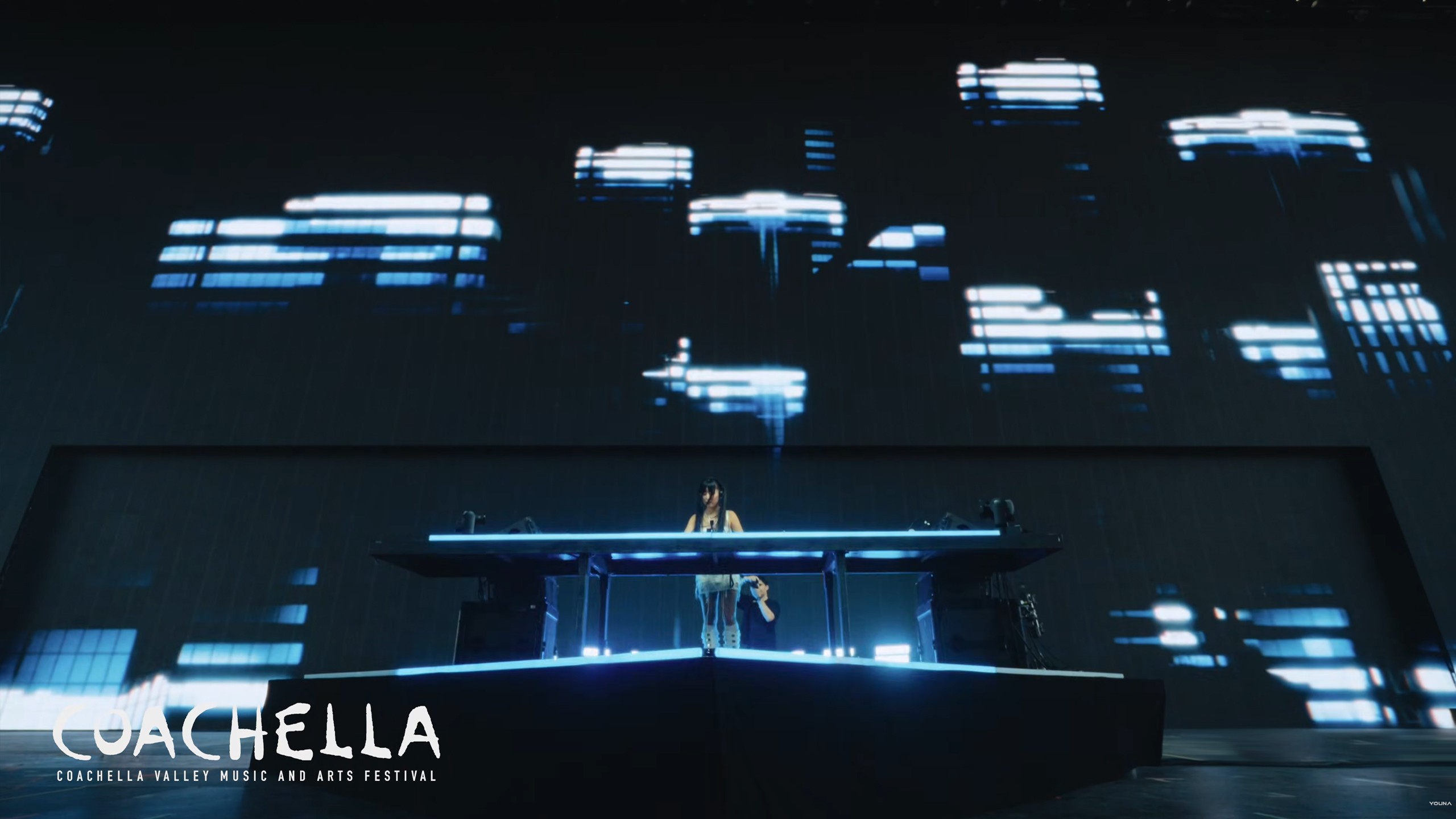
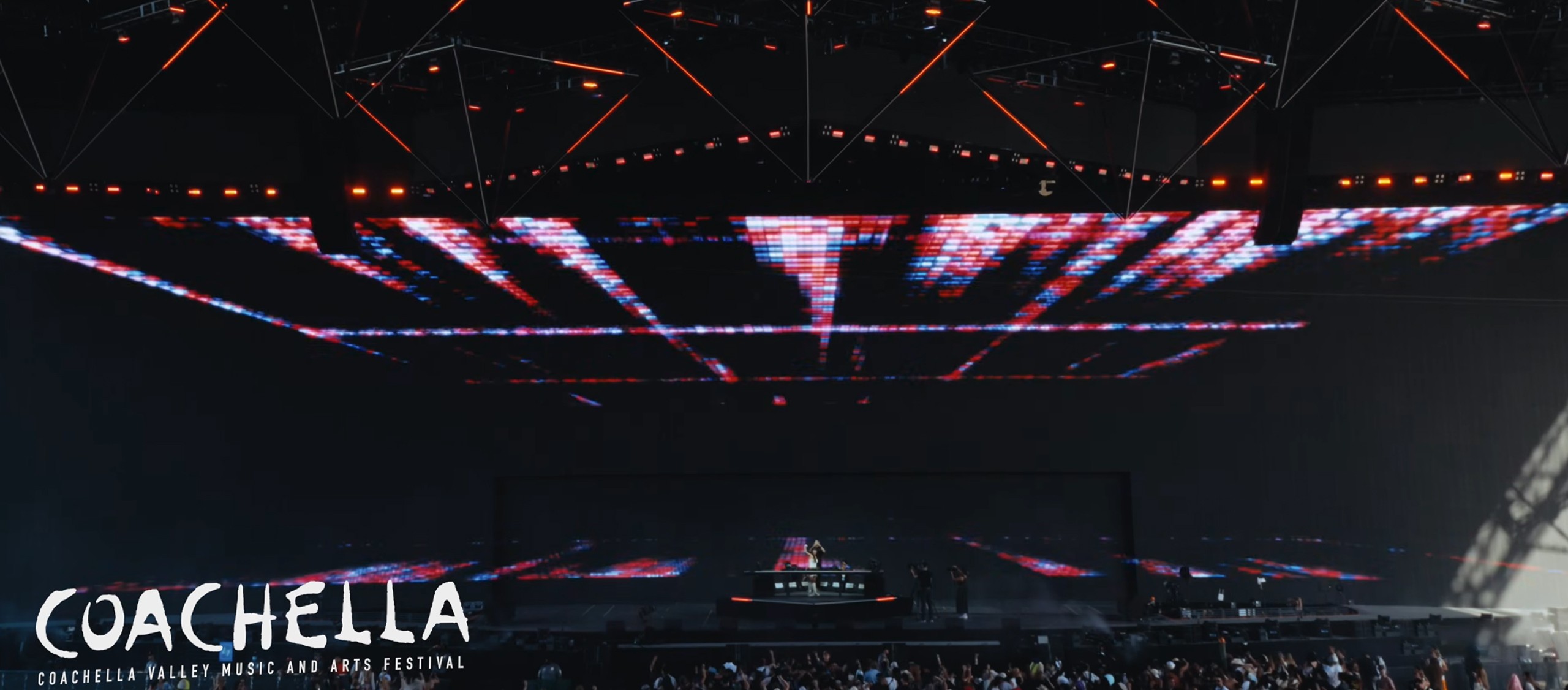
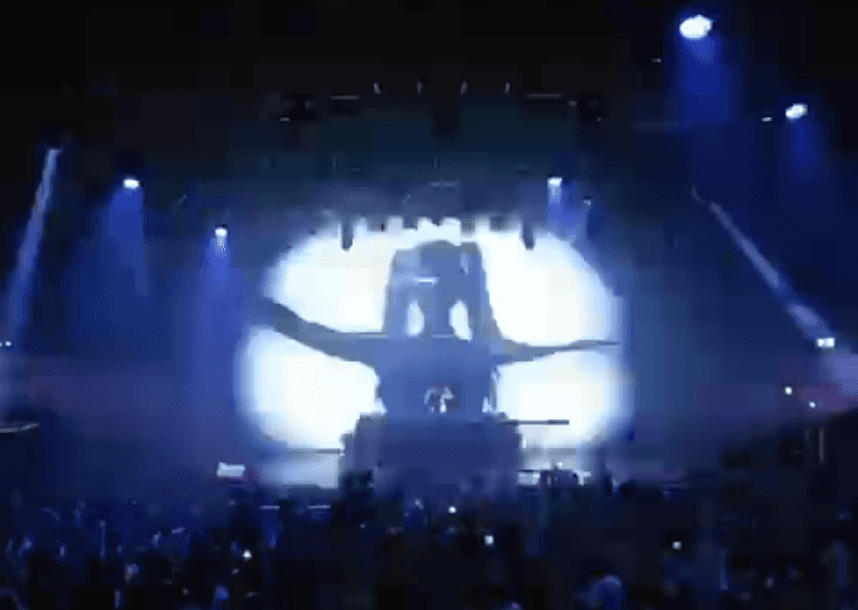
YOUNAVERSE is the visual world built for YOUNA's Coachella 2026 debut. A retro-futuristic landscape spread across the 75-meter Sahara stage screen, opened by a timecode-synched edit that played as her first track dropped. The brief came from the artist herself: a humanoid AI escaping the system that built her, refusing to be corrected, rebuilding a world on her own terms. The Coachella set was the kickoff of YOUNA's first North American tour.
Sahara Tent · Friday April 10 · Coachella 2026.
Client
YOUNA
Year
2026
Timeframe
4 weeks
Services
3D Design
Motion Design
Asset Production
Tools
Blender
Cycles
Da Vinci
Houdini



00_brief
YOUNA's creative team approached us to build the visual world for her 2026 Coachella debut and the North American tour that followed. The brief came with a reference deck (retro-futuristic neo-Tokyo direction, distinctive digital and film defect references), a color palette built around Neon Blue and Cool Black, and the YOUNAVERSE narrative as the conceptual frame. It also set a clear list of requirements for what the visuals needed to deliver across multiple venues:
Adapt to any venue's screen without losing identity
Carry YOUNA's creative direction without dilution
Stay modular, so any loop can play on any track
Move with the music in real time, not run parallel to it
Hold together as a single visual world, not a collection of loops
00.1_Stylistic_Aspects
The brief came as a creative direction. We translated it into two execution layers: digital defects and film defects. Both were needed to carry the brief's message at scale, applied as systems rather than as one-off effects per scene.
Digital_Defects - pixel-level interference, the digital surface breaking down
Pixelation
Pixel Sorting
Glitches
Signal Distortions

Film_Defects — analog artifacts, the look of light reaching imperfect film
Halation
Glares
Streaks
Low Dynamic Range
Grain


01_VISUAL_FOUNDATION
01.1_Color_Palette

01.2_Post_Processing
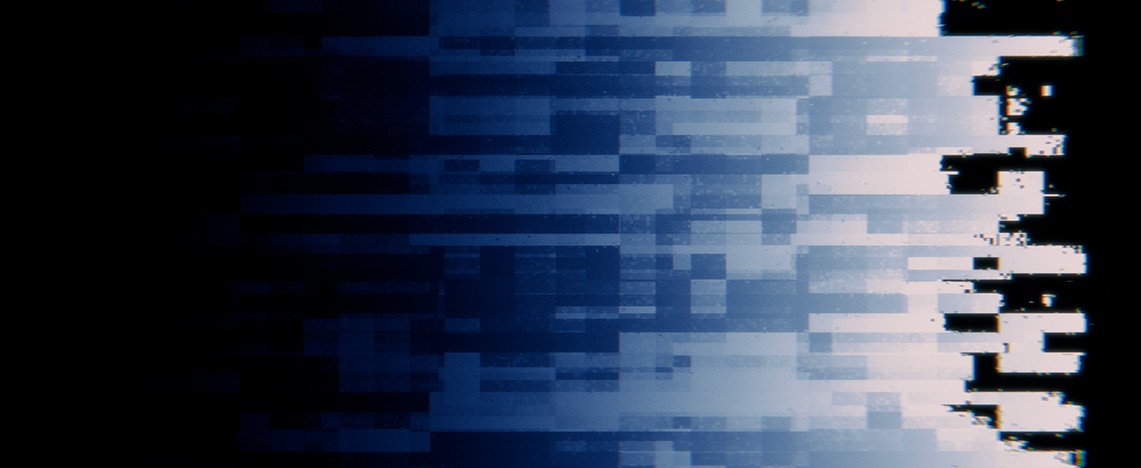
Film defects came in through a single post-processing pipeline applied to every render. The pipeline modeled the physical stages of film photography in order: lens distortion, film artifacts, color grading. Built as one system, it kept the analog feel coherent across every scene while leaving per-scene parameters tunable where a moment called for it.

01.3_Digital_Artifacts
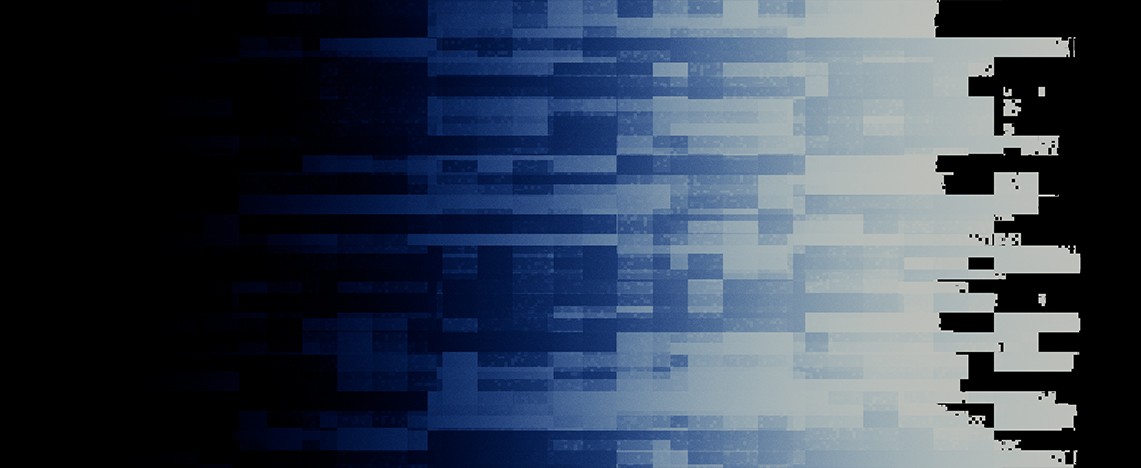
With the film side locked, the digital glitch side needed its own foundation. We built it as a coordinate-displacement system: one setup that could distort the geometry or pixels of any input the same way. Once the system existed, the same glitch signature carried across every scene that called for it.
01.4_Pixelization
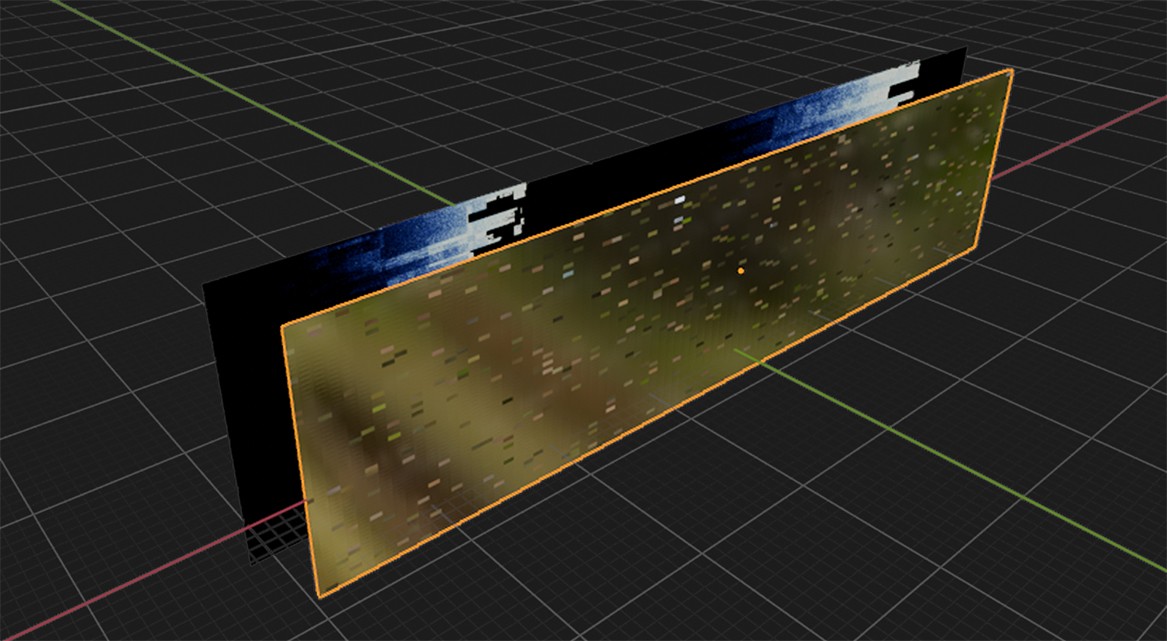
Traditional pixelization is a flat post-process filter sitting on top of the image. It often reads as cheap. We took a different approach: place a pixelated plane of glass between the camera and the object, so the pixelization happens in-scene with depth and irregularity baked into how the glass scatters the light.
01.5_Established_Pipeline
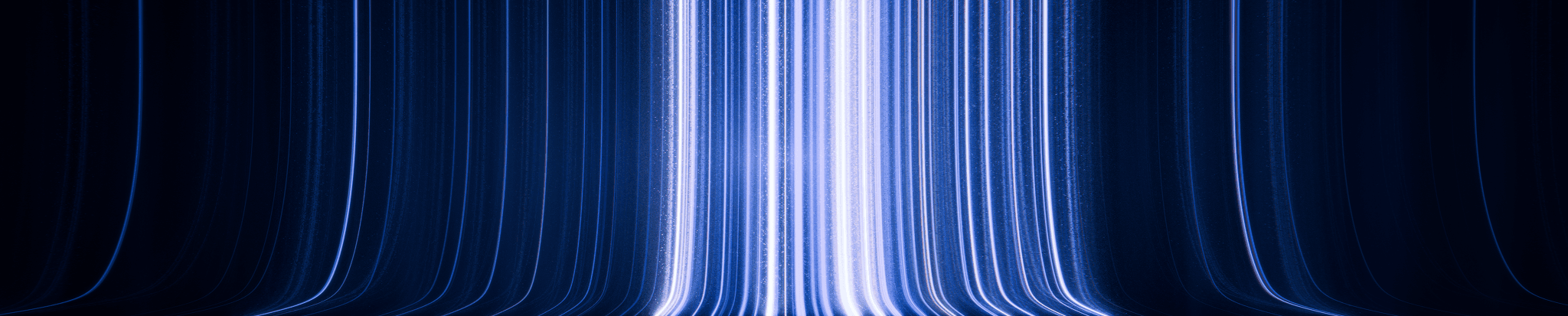
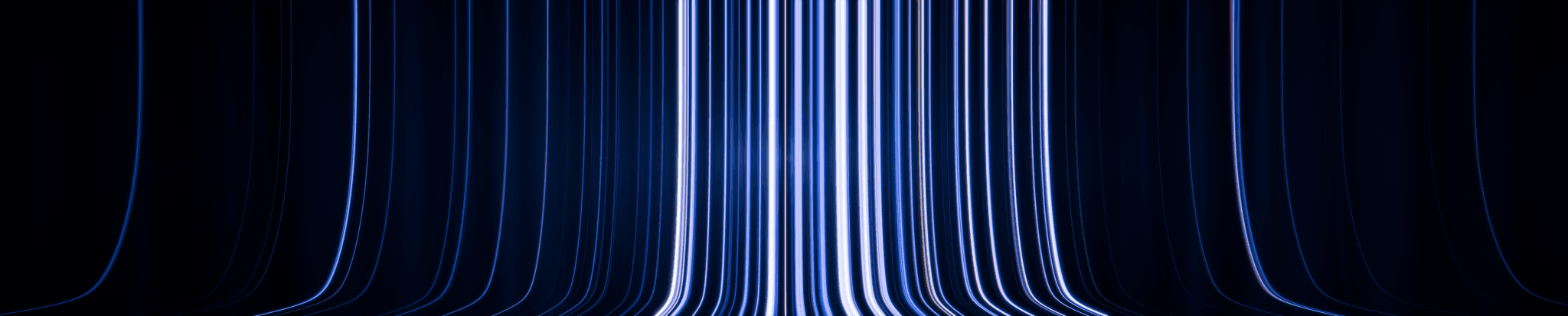
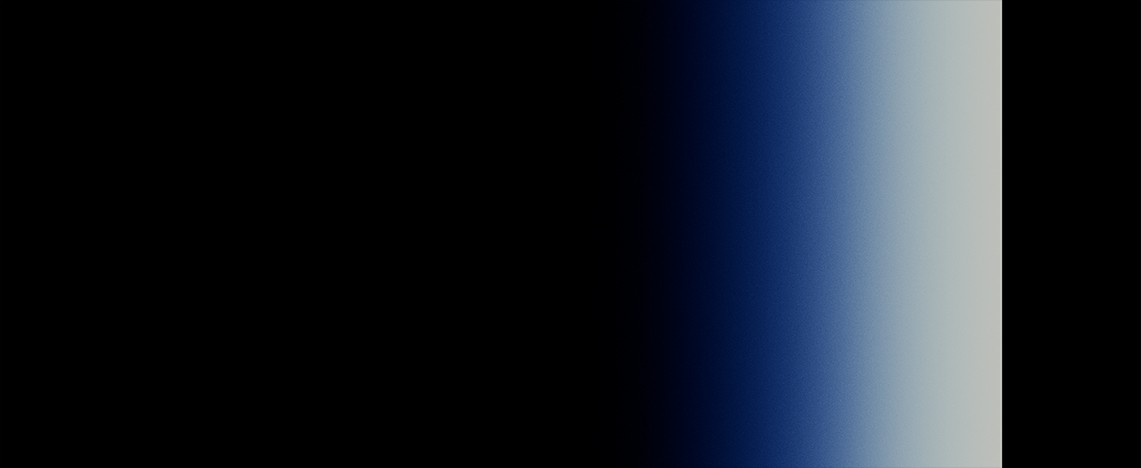
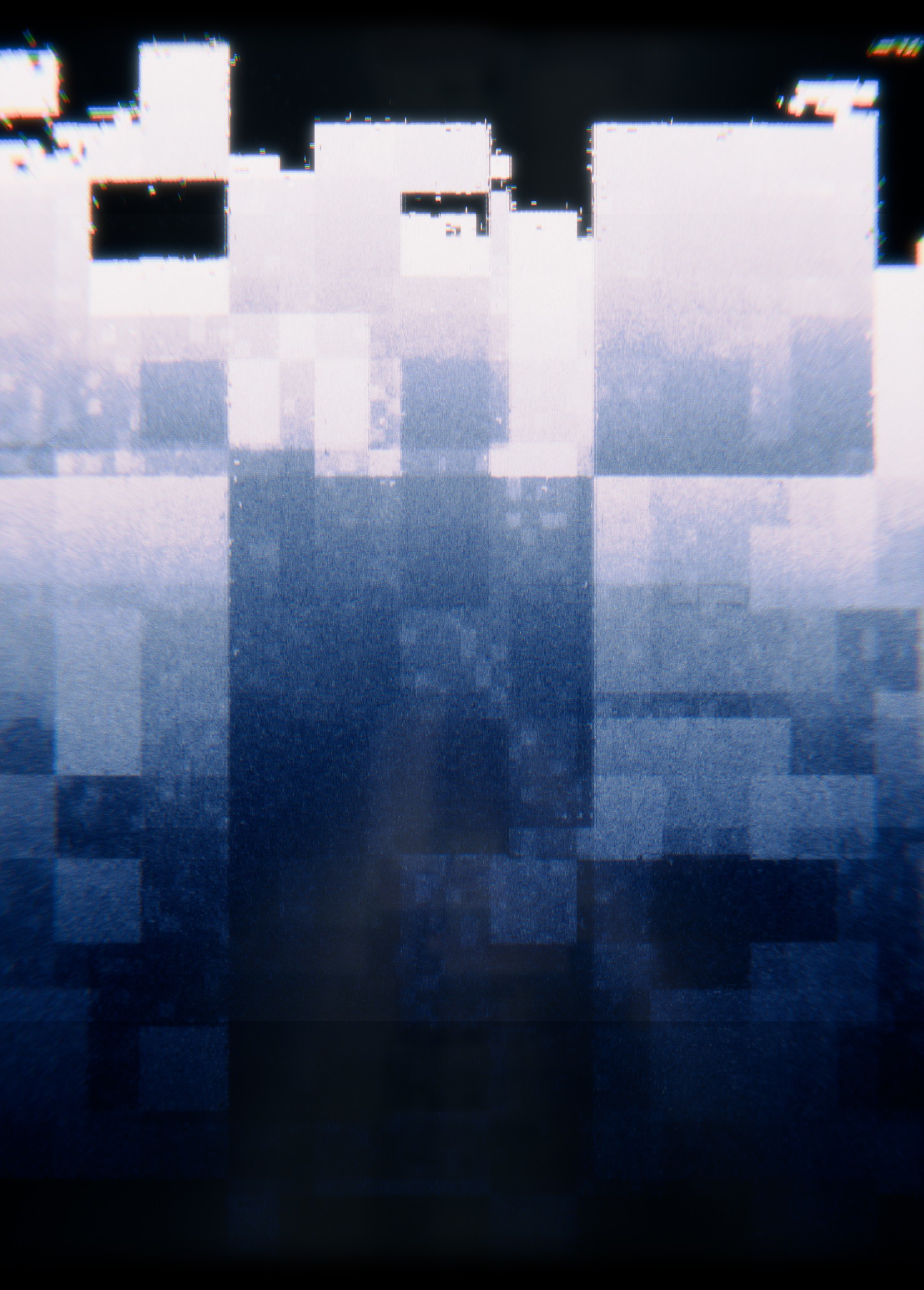
The three systems combined into a single workflow applied to every scene as needed. A raw render passed through coordinate displacement for the digital glitch, then through post processing for the film defects. Coherence came from the workflow itself, not from hand-correcting each shot.
Raw_Input
Coordinate_Displacement
Post Processing

01.6_Flat_Masks
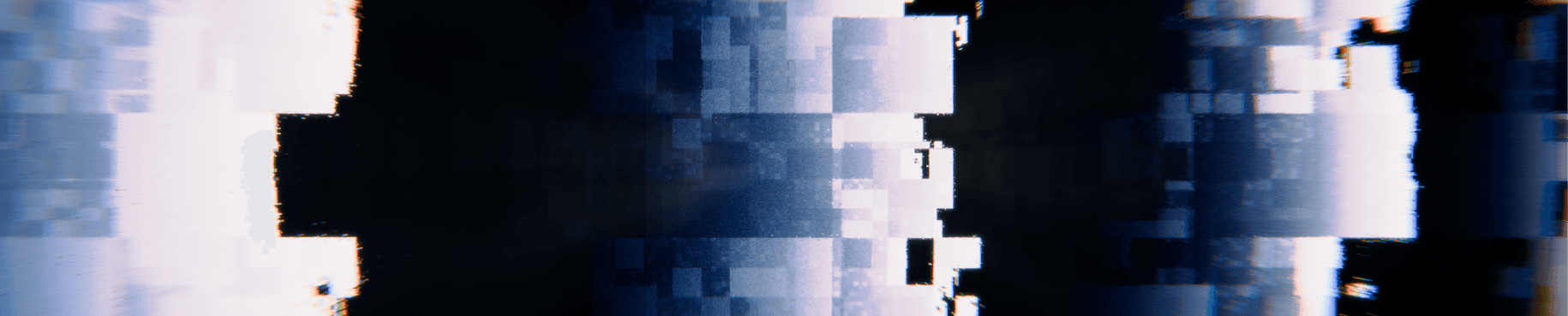
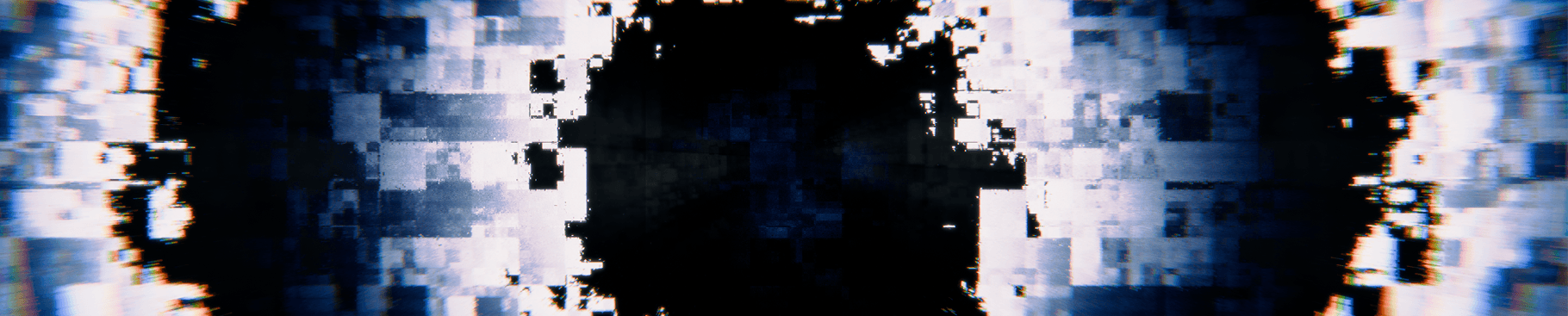
The pipeline was first put to use making flat-mask loops: the connective tissue of the visual world. These loops were not designed to play on their own. They live in the show as mixing material, overlaid live with other scenes to add texture and movement without competing for attention.
01.7_Adding_Depth
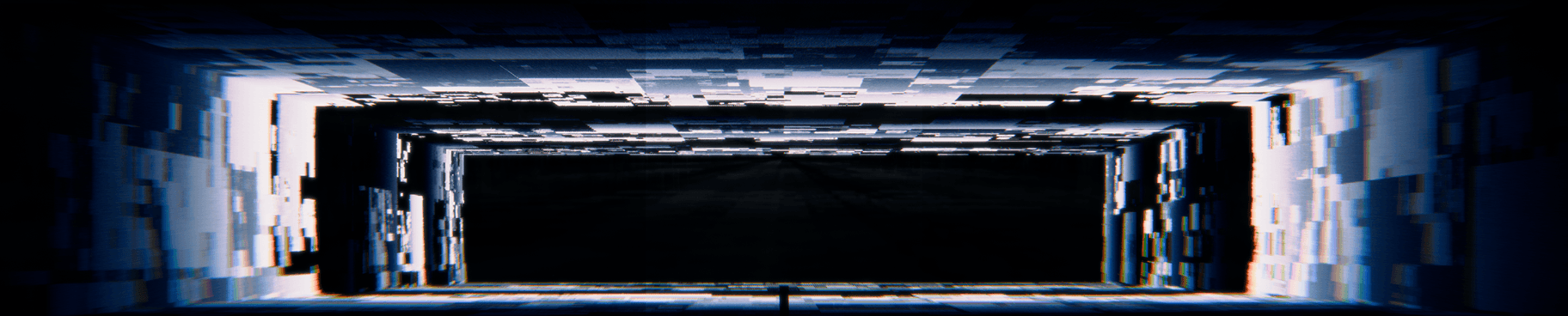
The next step took the same visual language into three-dimensional space. Forced-perspective primitives applied the established glitch and film treatment to depth-suggesting geometry, so the screen could read as a continuation of the stage rather than a flat surface behind the performer.

02_Across_Forms
With the foundation established and the depth direction proven, the same visual language was applied to a wider range of forms. The same post-processing pipeline, the same glitch system, the same palette held across architectural geometry, organic shapes, and abstract primitives. By this point every later scene in the show could pull from one coherent visual world without needing fresh treatment.
02.1_The_Logo_Pass
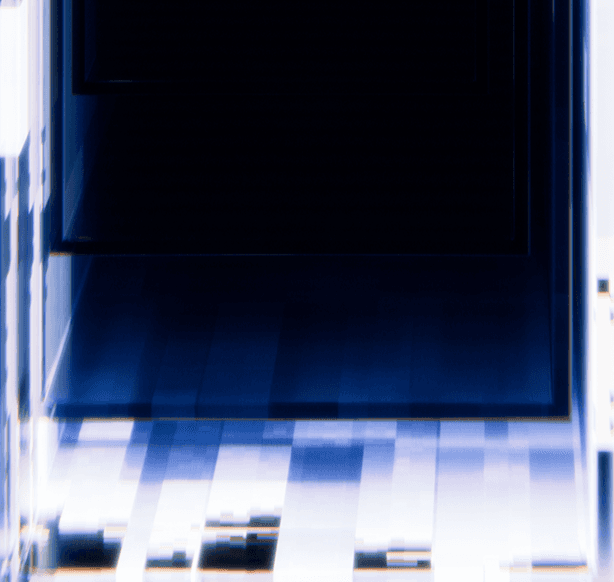
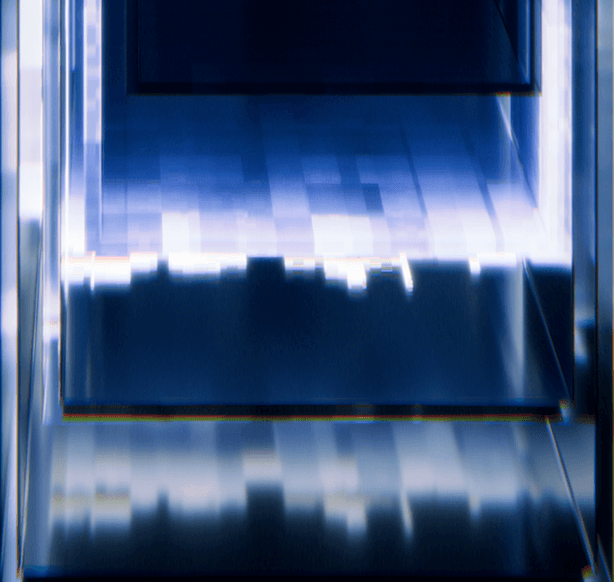
The treatment extended to YOUNA's logo as well. Run through the same post-processing pipeline and the same glitch system, the mark stopped sitting on top of the visuals as separate branding and became part of the visual world itself.
02.2_Across_Buildings
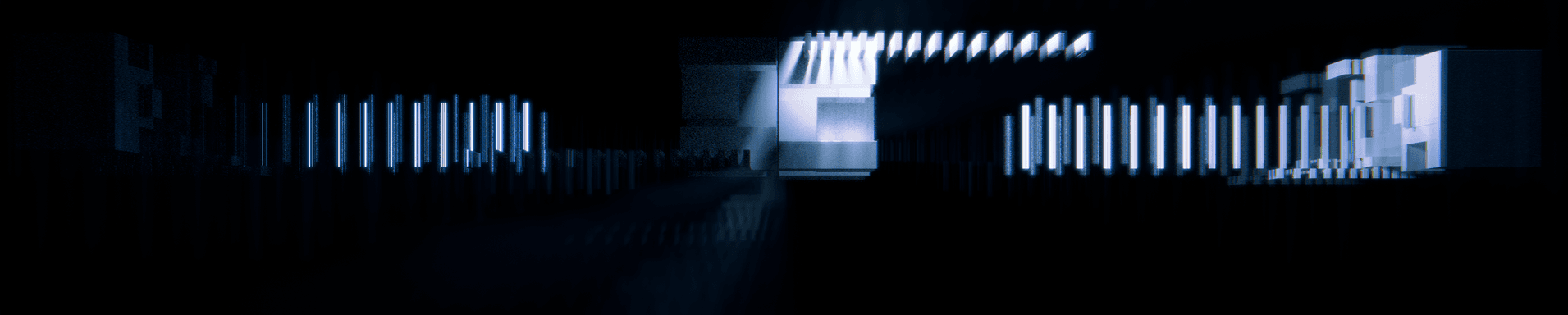
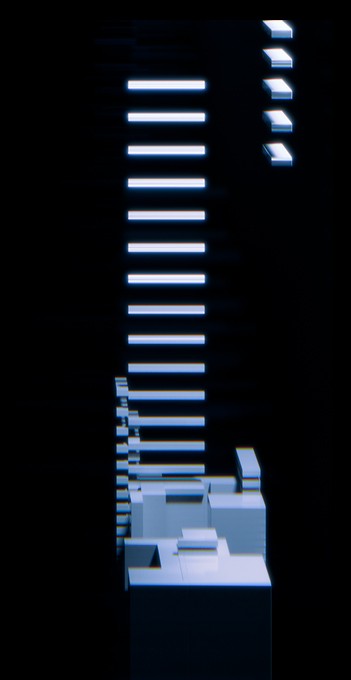
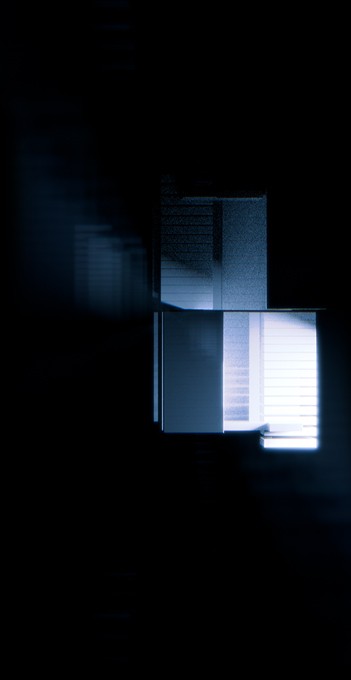
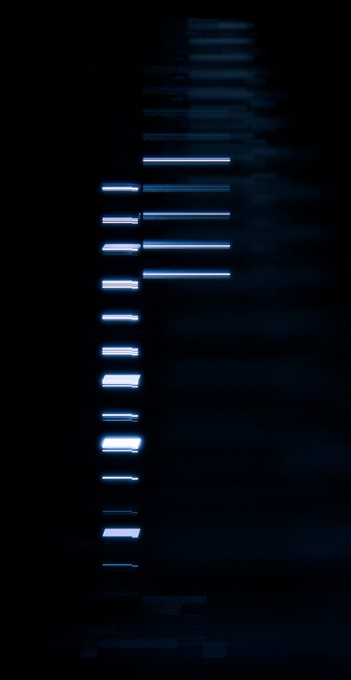
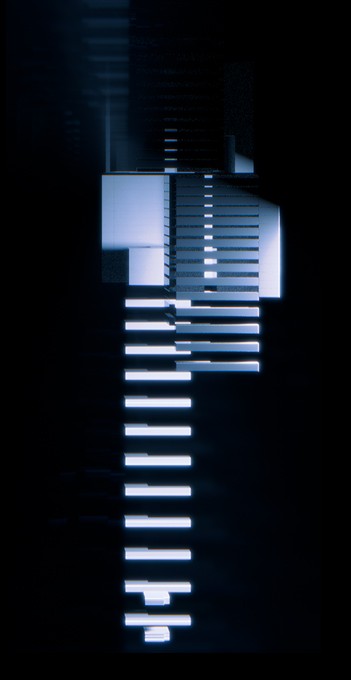
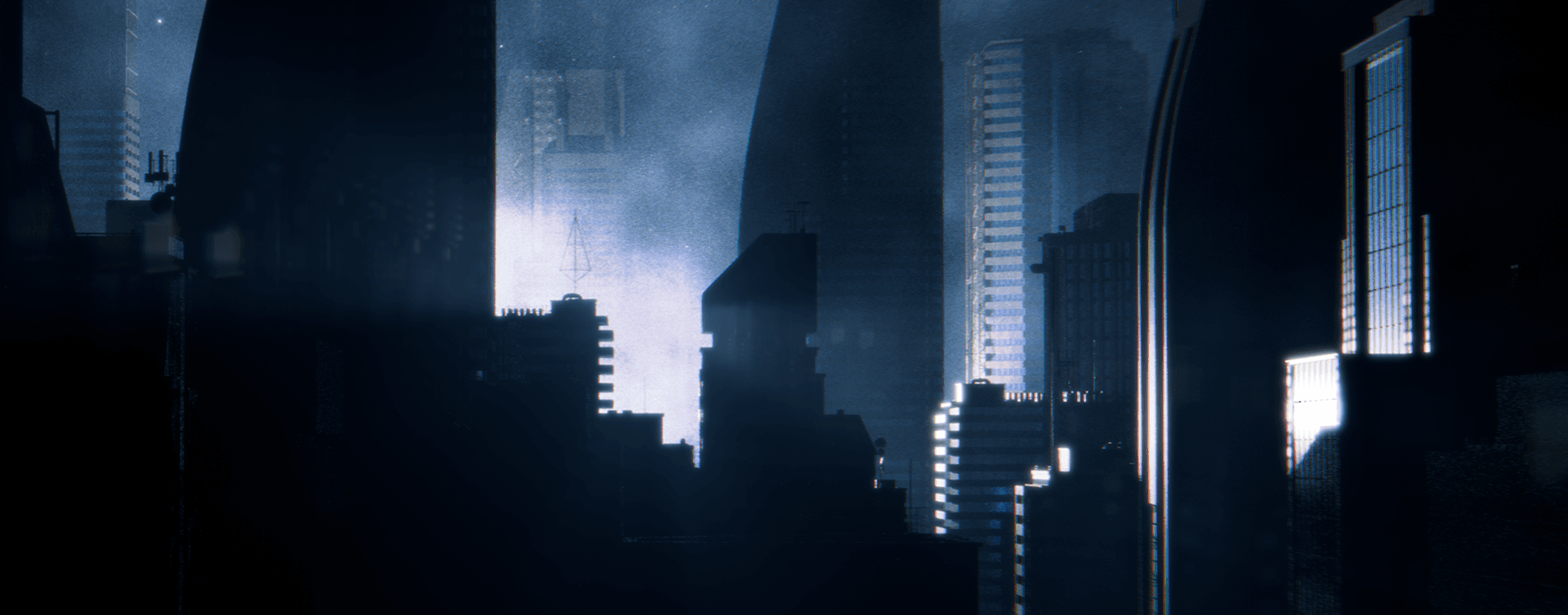
Cyberpunk city was one of the main motifs in YOUNA's brief. Once the visual language was established, the same glitch system, post-processing, and palette extended onto architectural geometry: buildings, skylines, the structures that would later carry the city scene.
03_System_Modularity
Most visuals played on festival LED walls look like screensavers. Loops running independently of the music, parallel to the show rather than through it. The Coachella set needed the opposite: visuals that respond to the music in real time, without sacrificing the high-end render quality that real-time approaches usually cost.
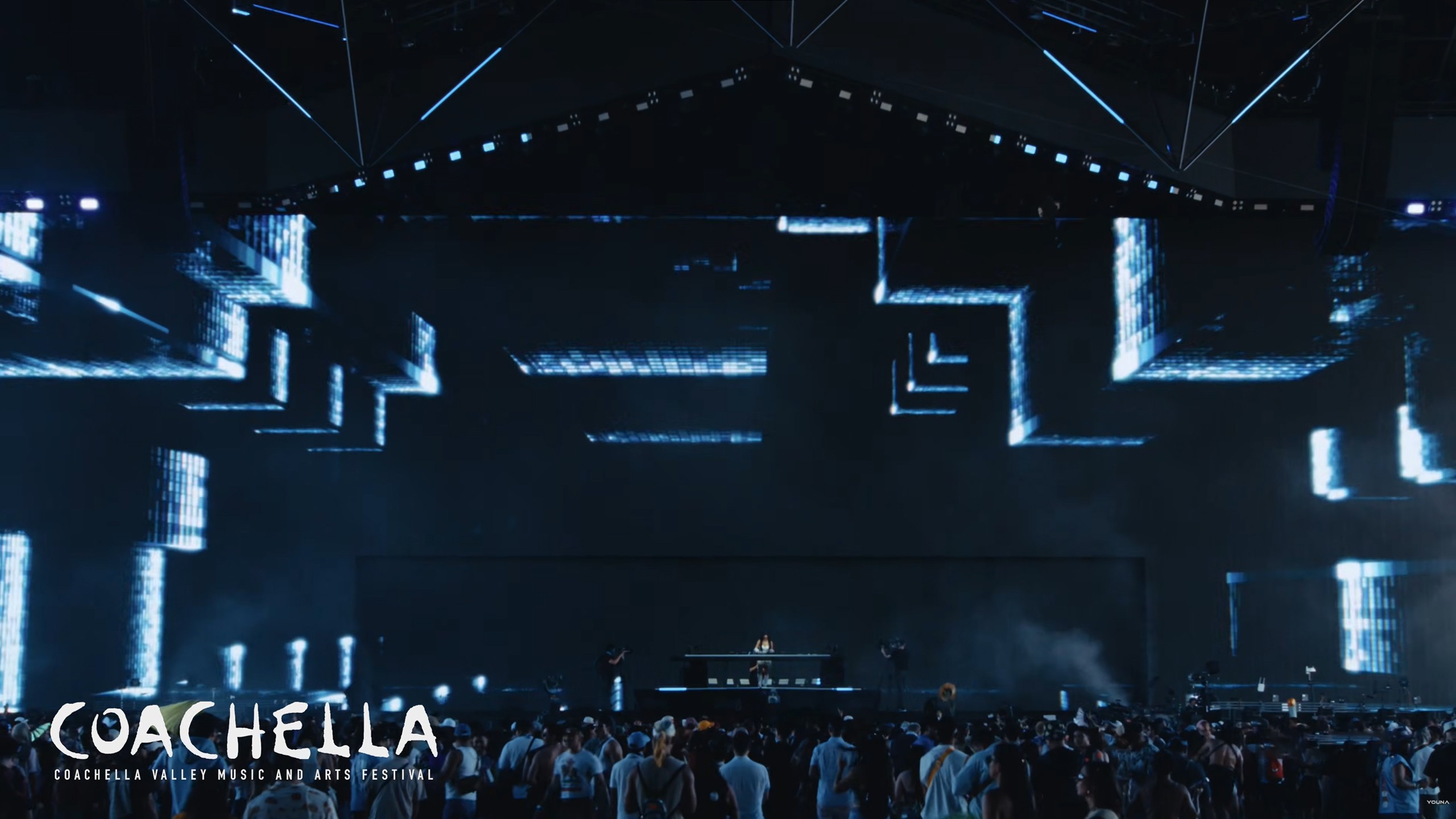
The proof-of-concept for the whole system was a timecode-synched edit built for the opening track of the set. The same modular library, edited tightly to the audio, played live as the first beat dropped at Coachella. It served two purposes:
- an impressive opening of the set
- a working example for the VJ team of how the same loops carry across the rest of the set.
Each scene was built in four to six variations. Two or more on the calmer end for pre-drop and breakdown moments. Two or more on the active end for the drops. The live VJ overlays them and toggles them in time with the music, so the same scene can rock side to side during a verse and jump on the kick of a chorus. Across the full Coachella set, that added up to over 120 rendered loops in total.
Event visuals tend to fall into four categories.
1. Disconnected Loops
Pre-rendered loops that play independent of the music. Cheap to produce and easy to deliver, which is why it's the industry default. The trade-off is that the visuals never look connected to the show.
2. Pre-Edited Per Track
Each track gets its own custom animation cut tightly to the audio. The most expressive option, but the per-track cost makes it impossible to scale across a full set, let alone in the given timeline.
3. Real-Time Audio Reactive
Software like TouchDesigner generates visuals live from the audio. Truly reactive, but the render quality is capped because the system has to compute 30 times a second. No ray tracing, no global illumination.
Also brings possibility of mid-show failure
4. VJ Loops with Variations
Pre-rendered modular loops with multiple variations per scene. A live VJ overlays and switches them in time with the music, while the renders themselves stay pre-rendered and high-end.
The Coachella set used the fourth approach. This allows for expressive freedom, synchronization to the music and a robust performance.
03.1_Going_Hard
A second palette was built for the harder sections of the set. Same modular system, rebuilt around red. Against an otherwise all-blue YOUNAVERSE, the red moments hit harder by contrast.

04_OWNING_THE_YOUNAVERSE
This section of the production was developed in collaboration with Polygone

04.1_The_City
The city was built as an immersion tool. Correct perspective makes the screen read as an extension of the stage, not a flat backdrop behind the performer. Volumetric lighting and light chases running from foreground to background pull the audience into the world rather than presenting it to them.
The city was built as an immersion tool. Correct perspective makes the screen read as an extension of the stage, not a flat backdrop behind the performer. Volumetric lighting and light chases running from foreground to background pull the audience into the world rather than presenting it to them.
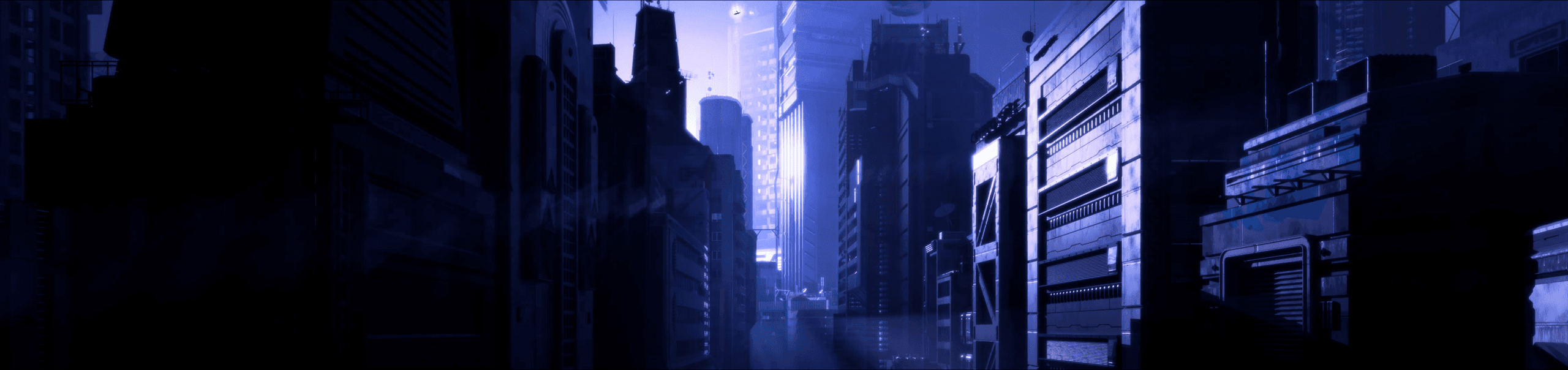
But the brief asked for more than a city. It was named after the artist, and her face was meant to live across it.
04.2_Owning_It
Three problems pointed at one answer.
Characters in 3D were out of budget and timeline.
The artist had no footage of herself.
AI video was not mature enough for a 9k screen, where every artifact would be two meters wide.
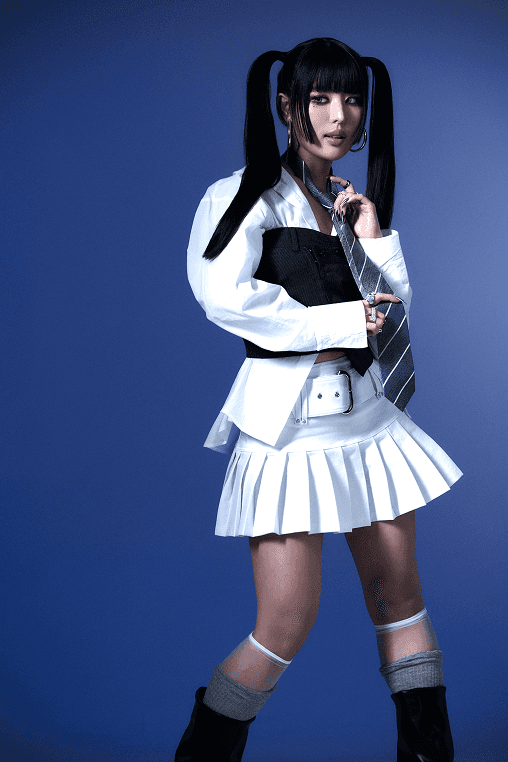
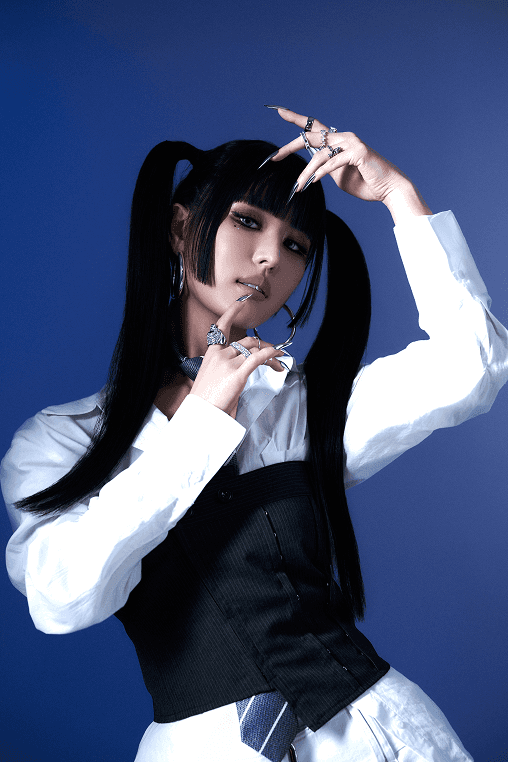
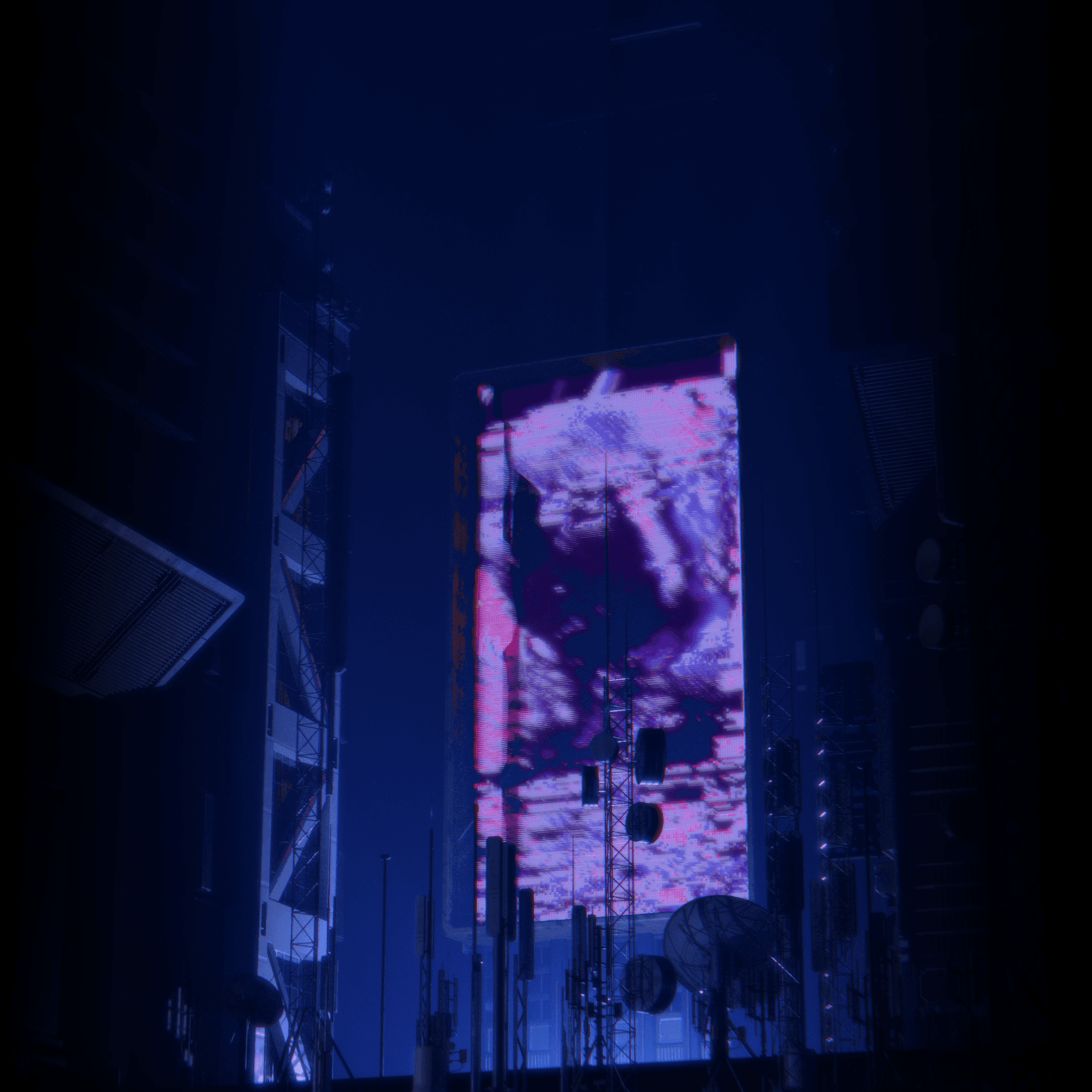
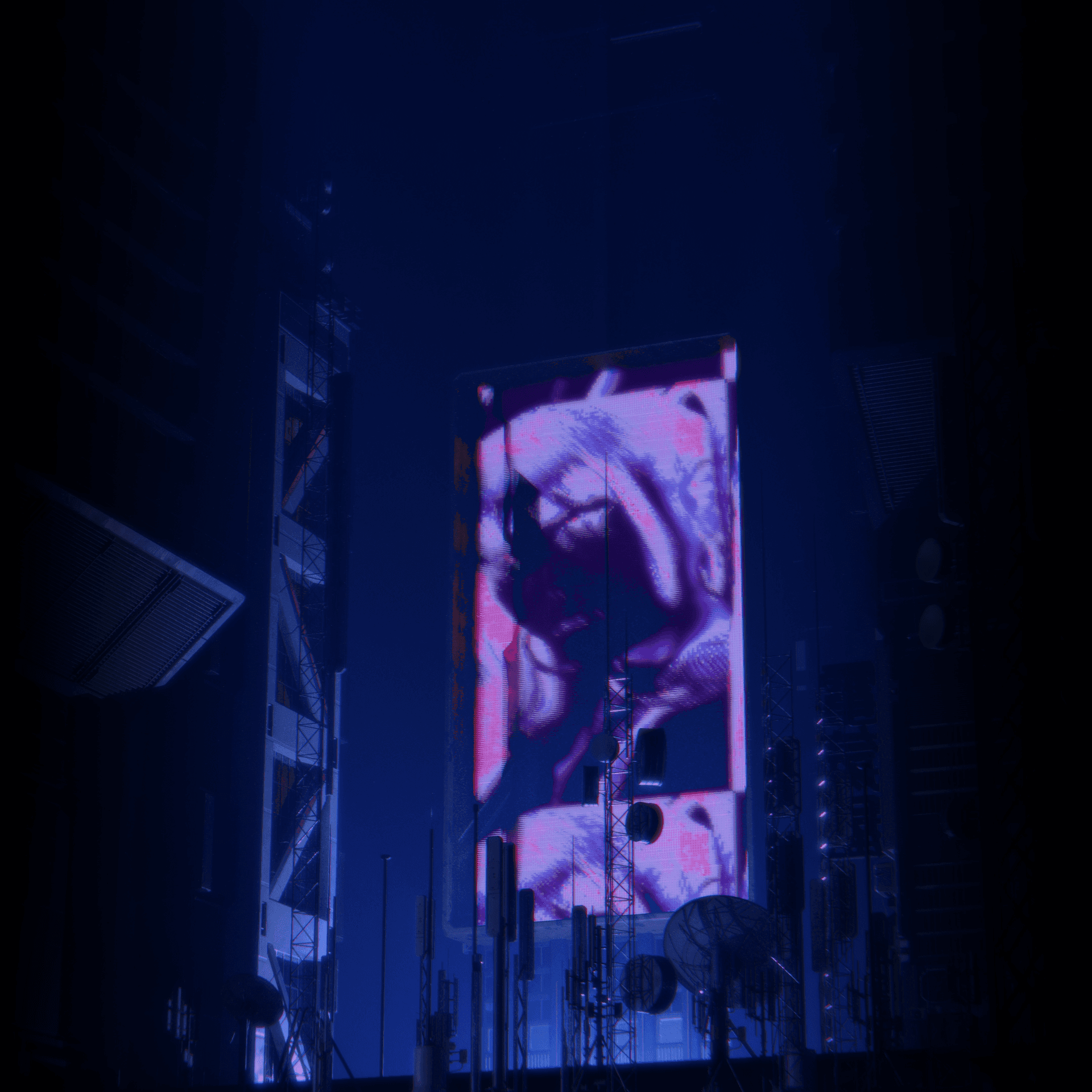
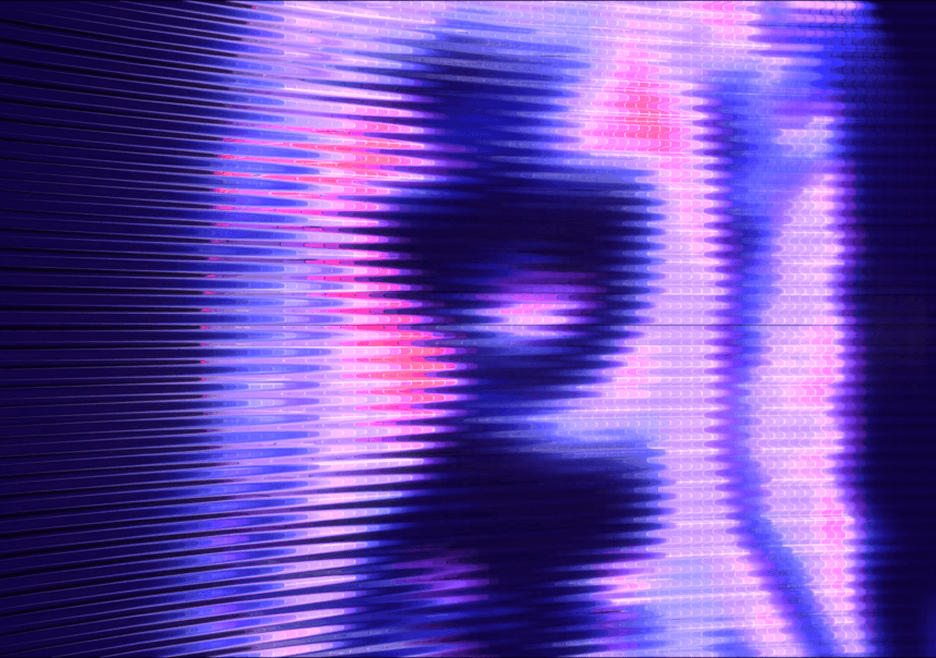
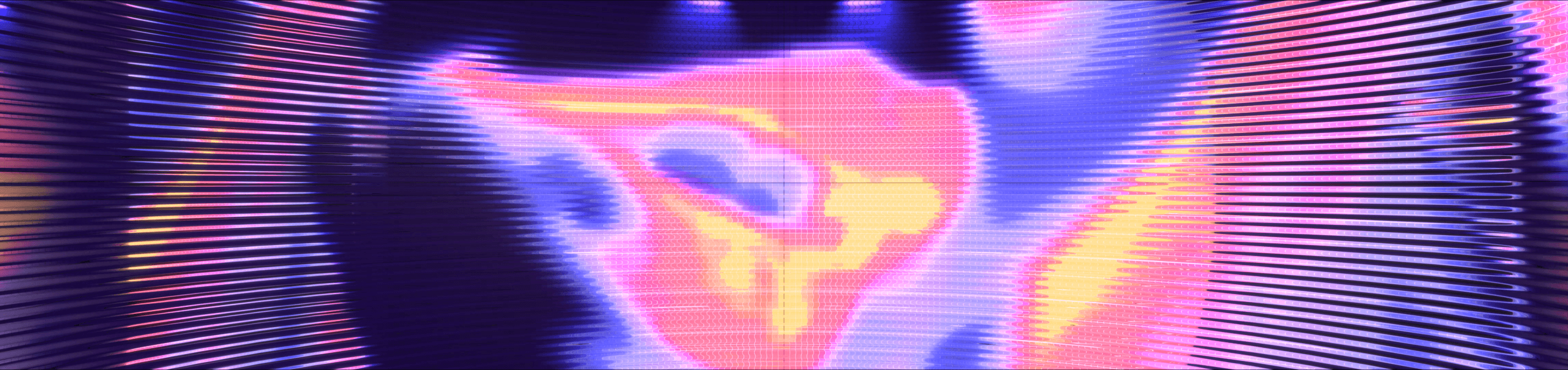
Holograms solved all three. The characters became content on hologram screens built into the buildings. The shader and its pixelization absorbed any AI artifact as part of the effect, and the smaller surfaces meant resolution stopped being a problem.
Then the move that earned the project its name. With no footage to work from, we generated video from the artist's own stills and ran her face across the holograms. She now lived inside the world named after her.
04.3_Tilt_Shots
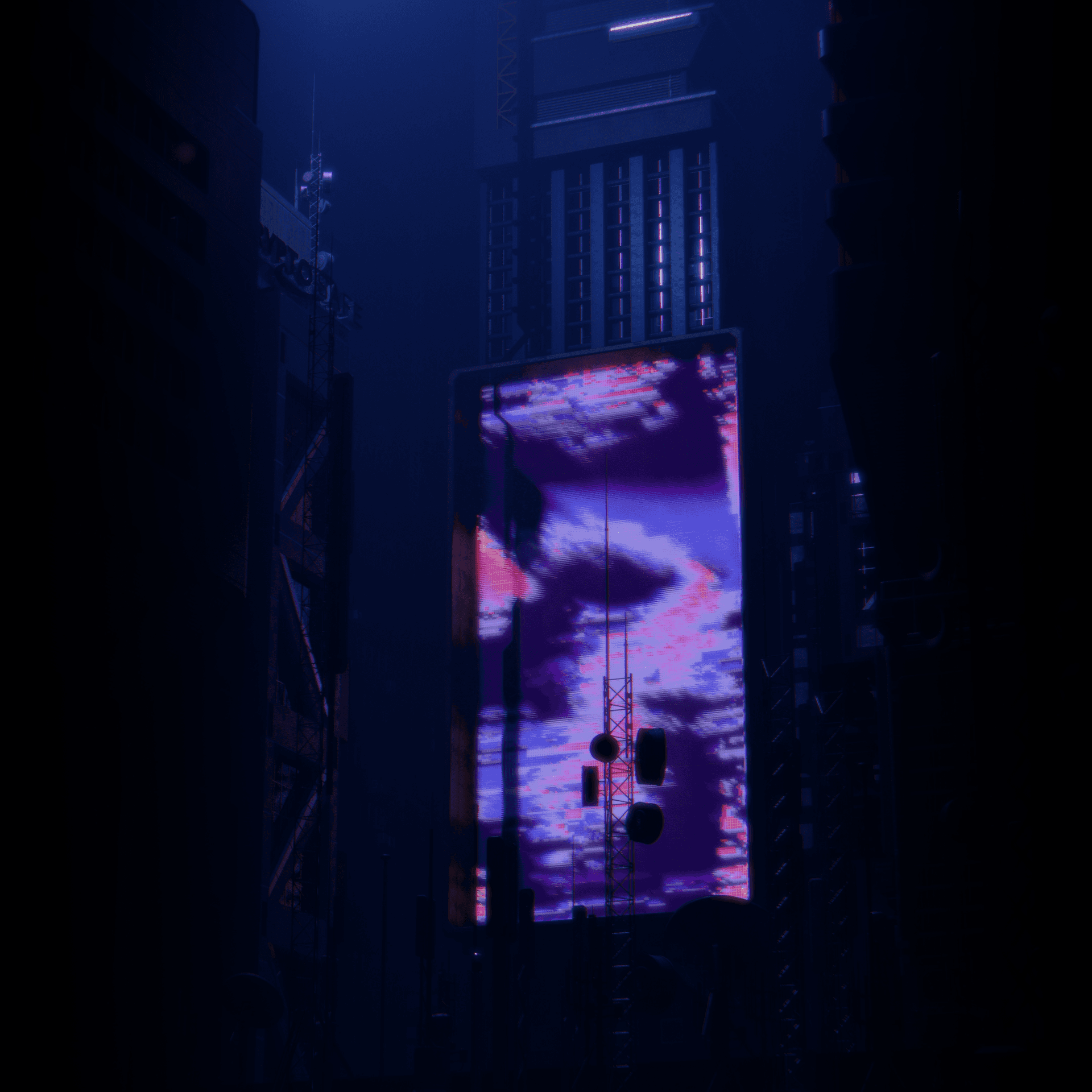
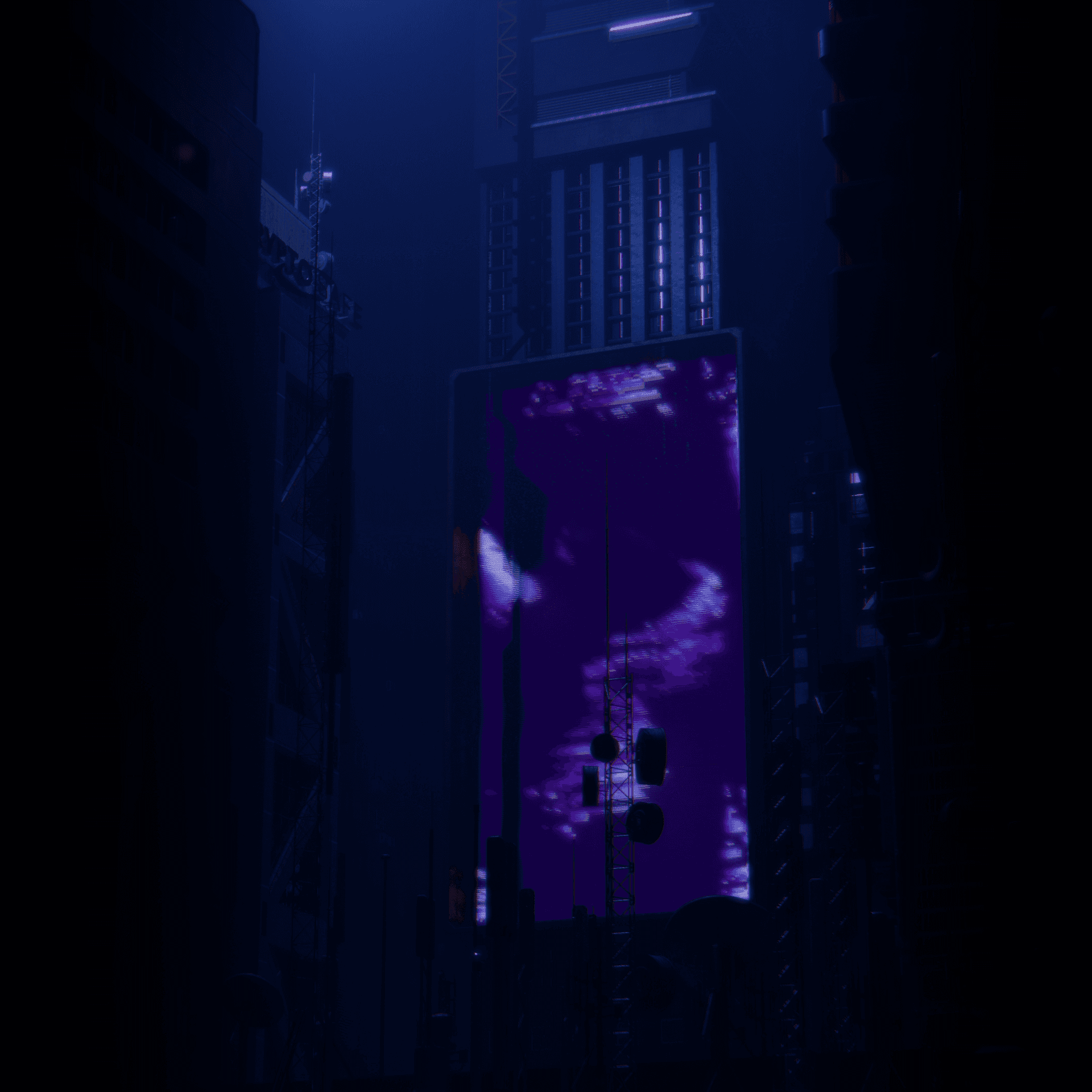
A static scene risks a static show. To keep the city moving, we built mini-scenes shot at tilted angles, scattered across the screen rather than filling it, appearing in different places to keep the eye unsettled.
Each one separated its lighting from its holograms, which made the renders far heavier and gave the show real-time control. The fog and light ran as one layer. The holograms ran as another, each in four versions: normal dim, normal bright, glitched dim, glitched bright.
The VJ could animate the lighting on one channel and glitch or brighten the holograms on the beat on another. Two independent rhythms, live, on one scene.
04.4_Inside_The_Hologram
04.5_Holograms_In_Depth
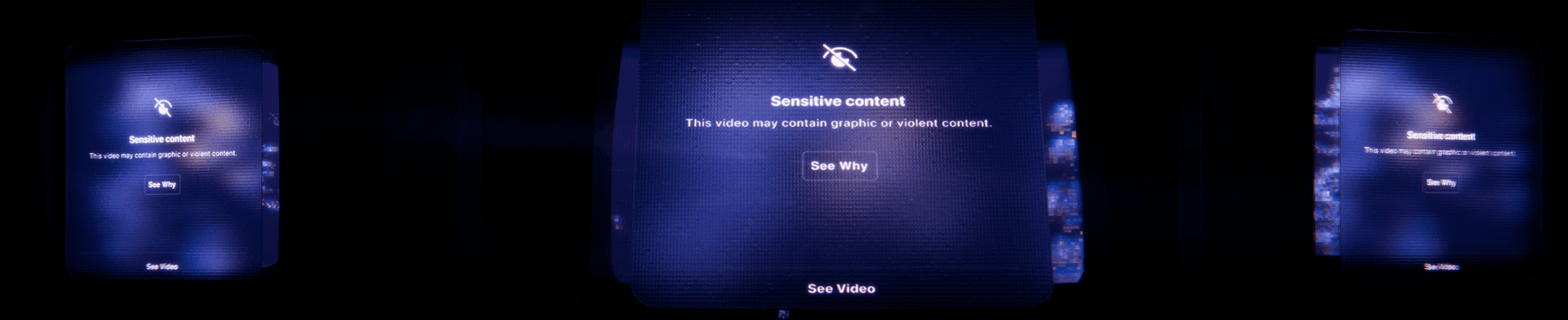
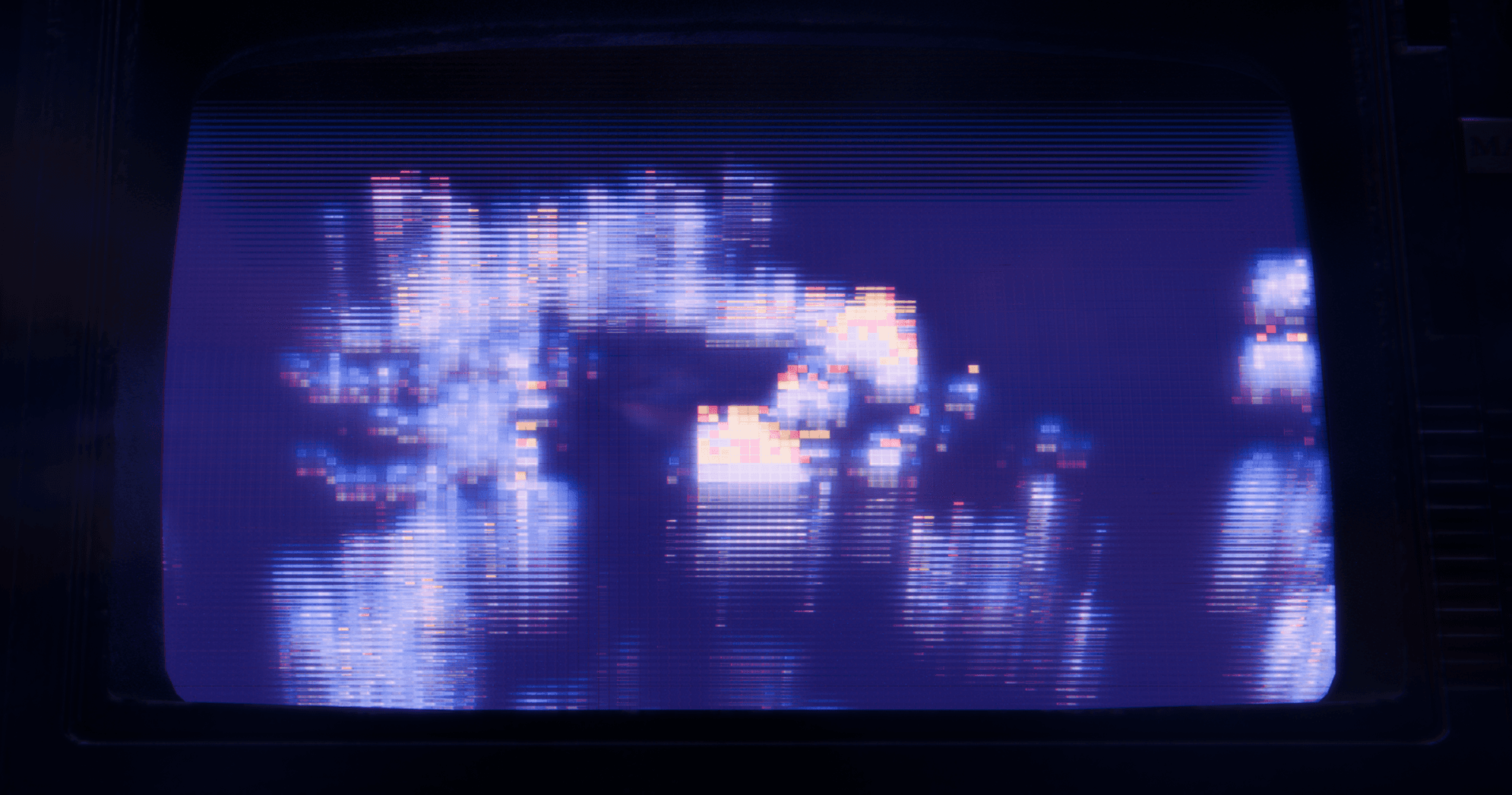
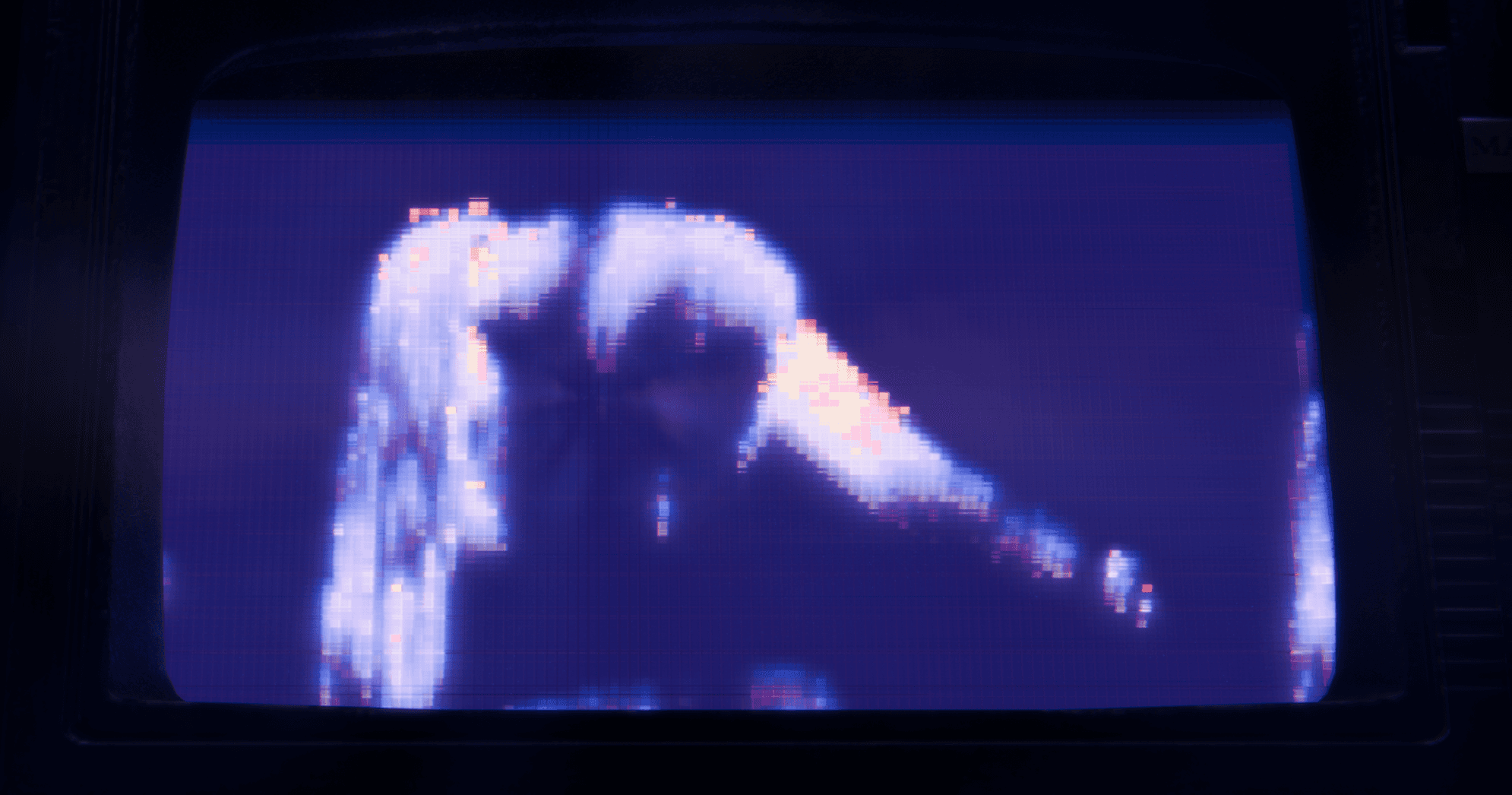
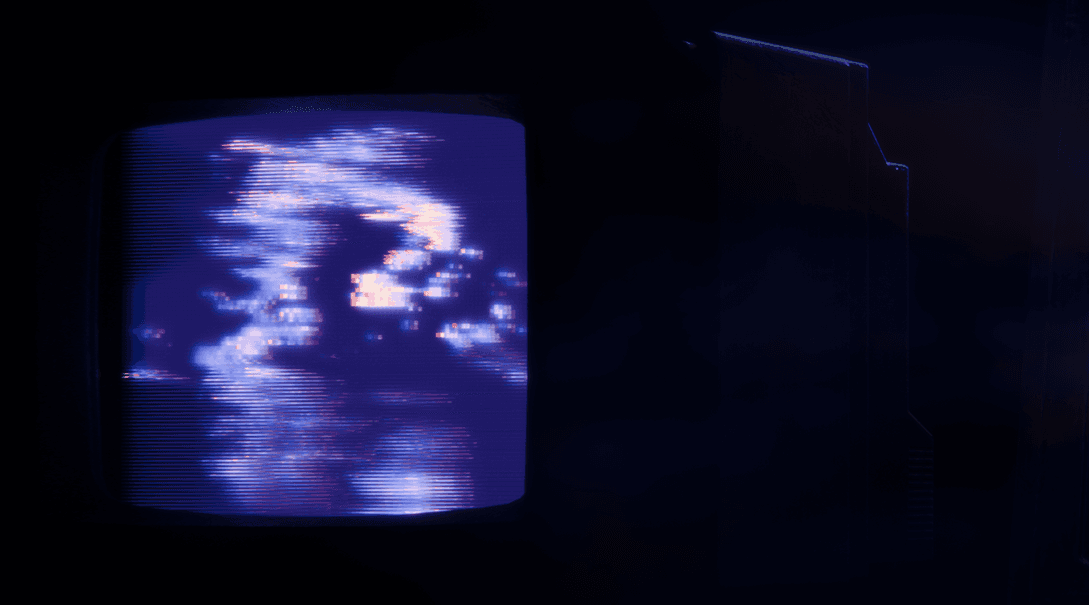
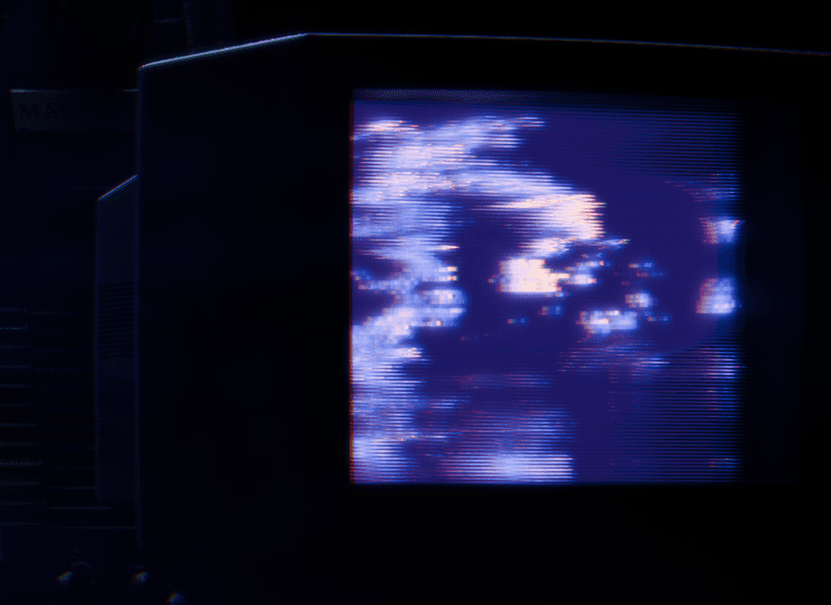
The hologram shader held more depth than a flat angle could show. We built rotating TVs running the same shader, so the dimensionality could be seen up close rather than described.
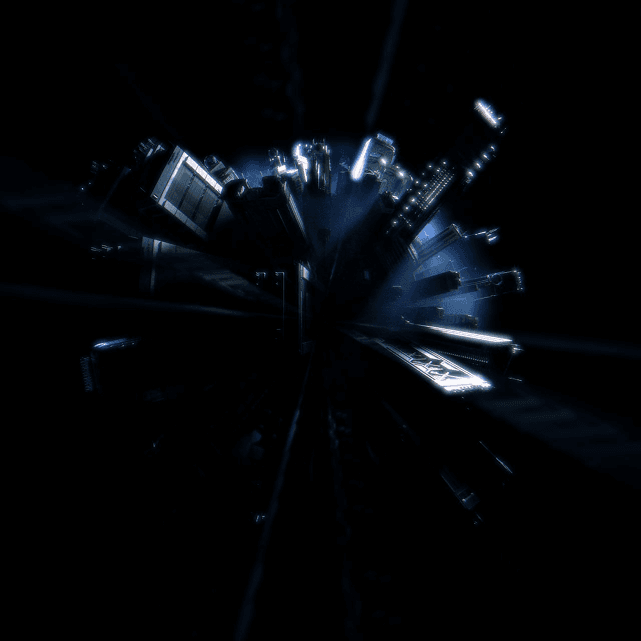
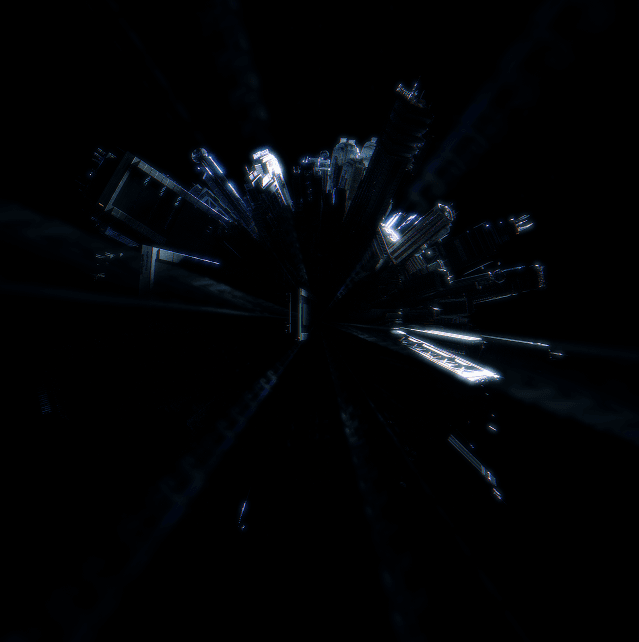
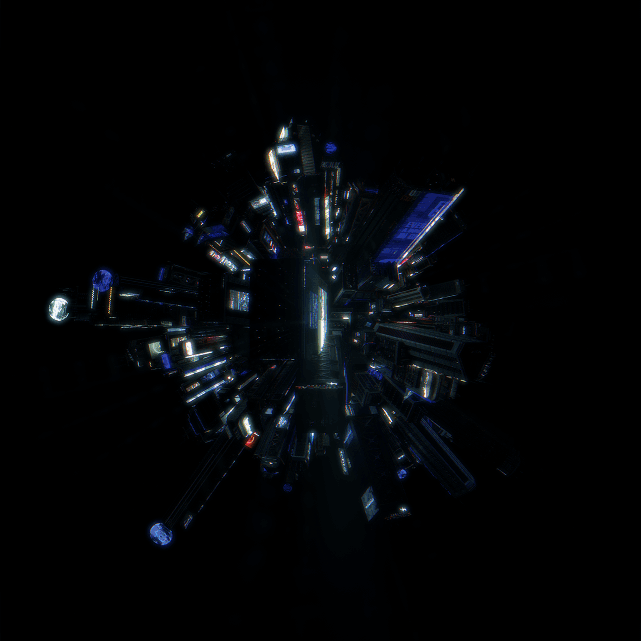
04.6_Abstract_City
The chapter needed a center. A spherical city built in the same language gave the world a dynamic focal point: something the set could orbit and push into, rather than a flat horizon.
05_celebrating_Heritage
Mid-production, the artist asked us to incorporate visuals from her past shows into the YOUNAVERSE world. The references came from earlier sets and carried their own established identity, separate from the visual language we'd been building.

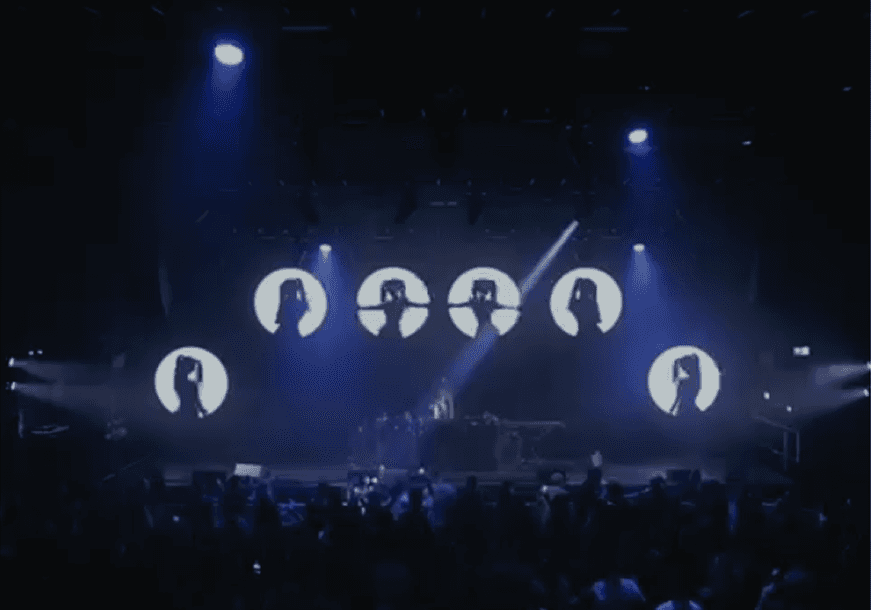
The originals were too low in resolution and too few in quantity to use directly across the show. We recreated them with the help of AI at the resolution the production demanded, then ran them through the same post-processing pipeline used across every other scene. Color values were remapped to go through blue so it sat cleanly inside the YOUNAVERSE palette.
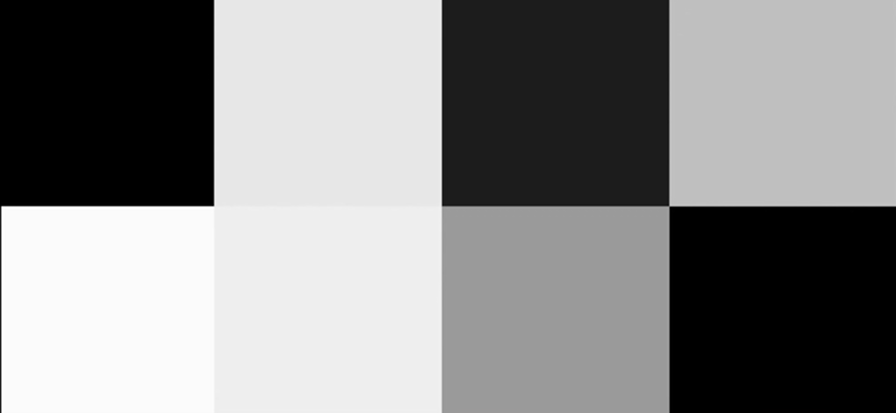
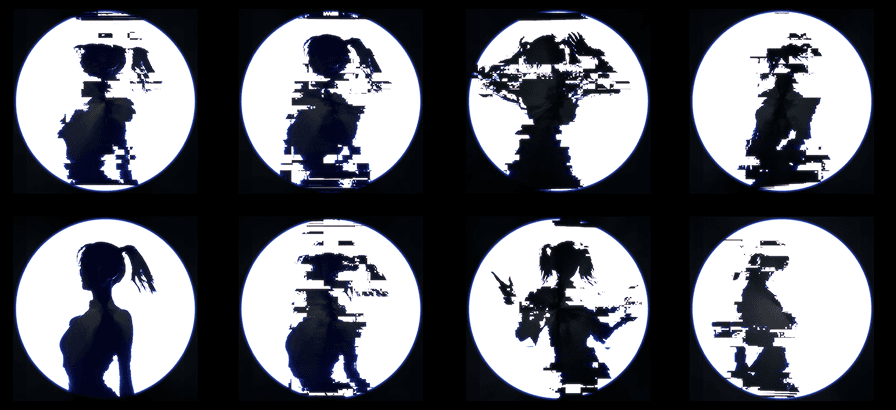
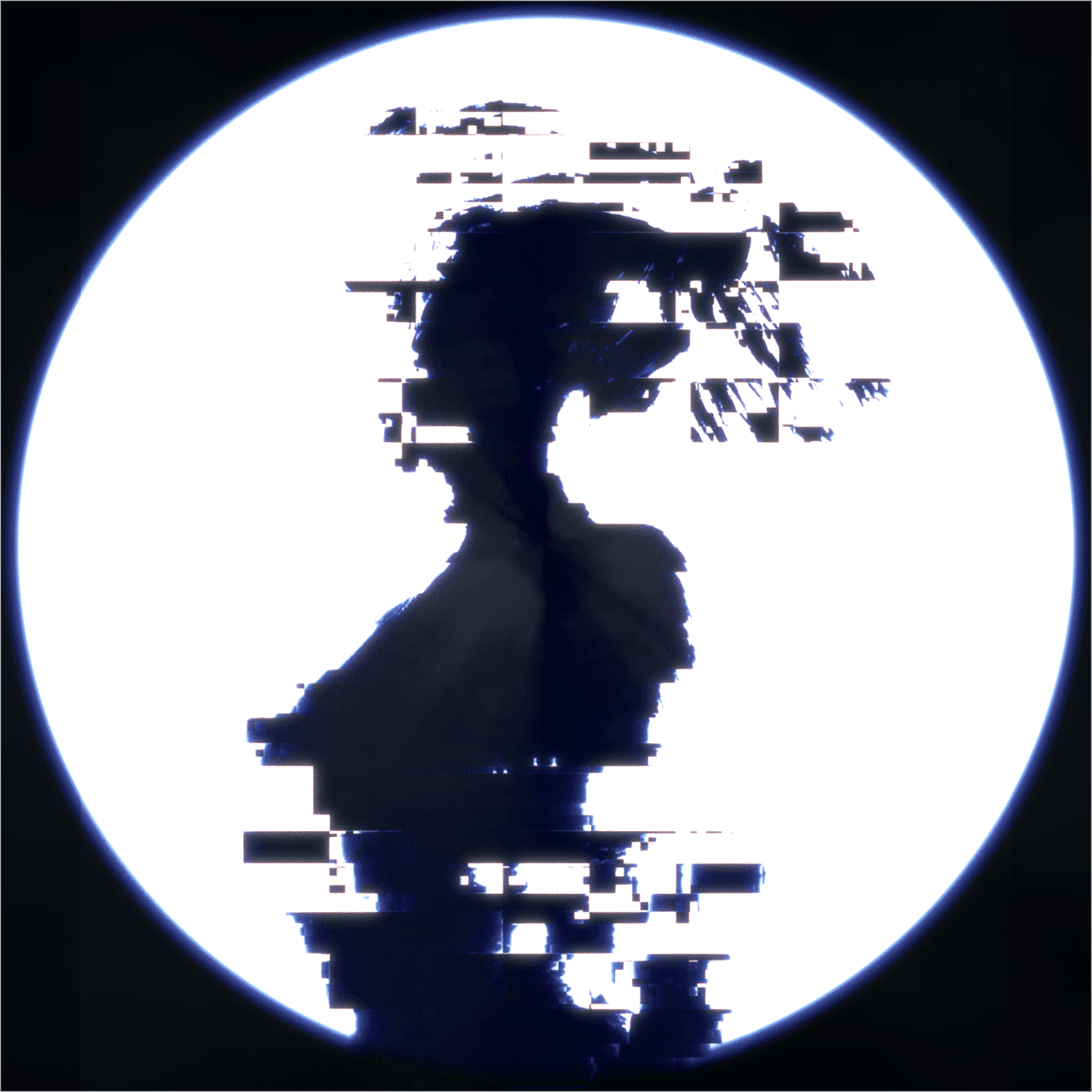
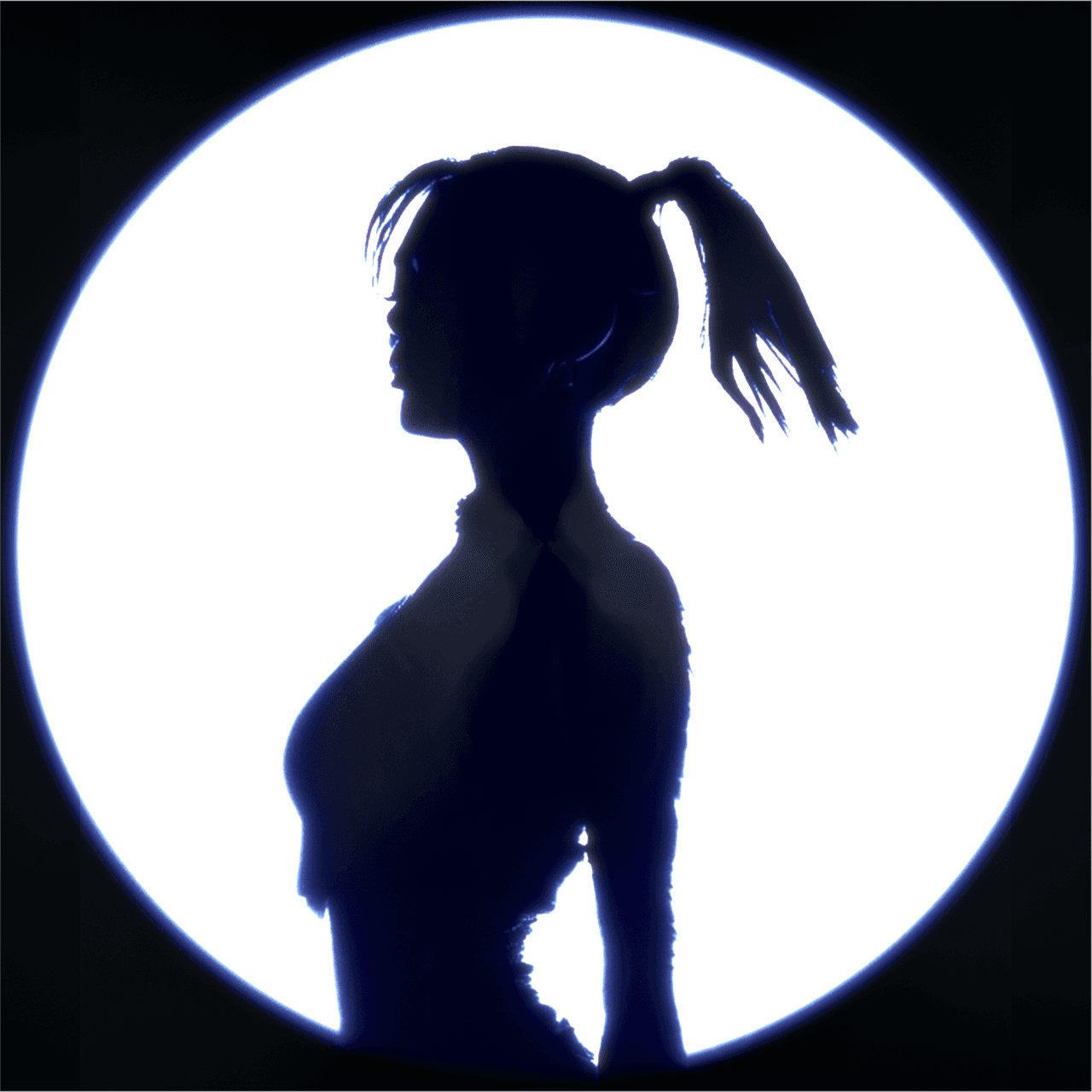
The final deliverable was modular. A clean version with all silhouettes lit, a glitched version for the beat-sync moments, and a separate set of black-and-white masks so the live VJ could turn each circle on and off individually. The same layering principle that ran the rest of the show, carried into the heritage material.
06_Reflection
Yonick's working principle is to combine the pace of event work with the quality of high-end CGI advertising. YOUNAVERSE is the proof at production scale: a 9k, 5:1 visual world built in four weeks, ray-traced and volumetric, for one of the biggest stages in the world.
For an artist, the work answers one question: can a visual world actually feel like yours? YOUNAVERSE put the artist's own face into the architecture of the world named after her, and carried her past visuals forward into its language rather than leaving them behind. The visuals don't sit behind the performer. They build the world she performs inside.
For a production, the work answers a different question: can visuals move with the music instead of beside it? The modular system gave a live VJ real control. Lighting on one channel, holograms glitching and brightening on another, variations layered to carry a full set without repeating. Not a screensaver running in parallel to the show, but a system built to perform with it.